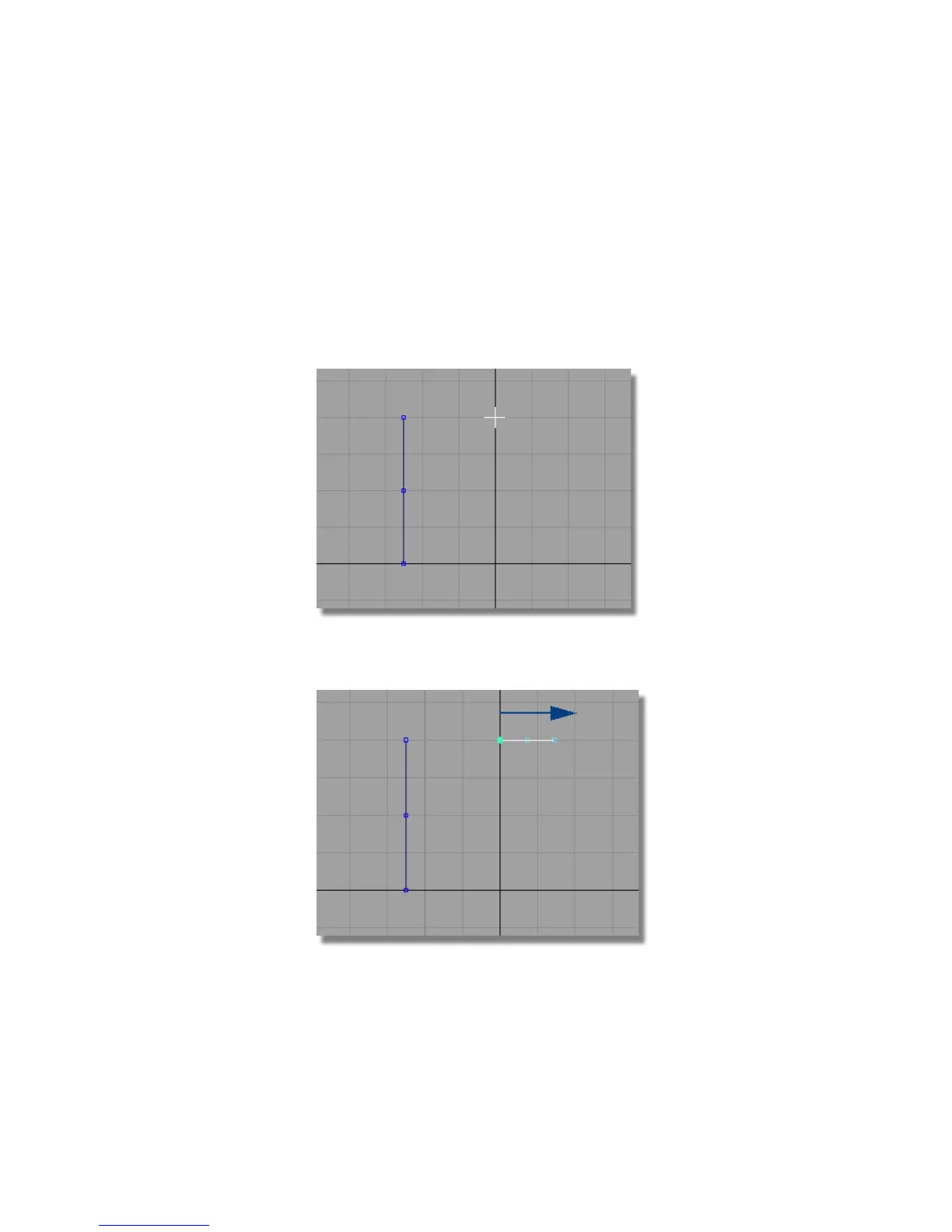
The arc will define one half of the design, which will later be mirrored.
It is therefore important that the arc is tangent to the center line, so that
it will create a smooth result when it is mirrored.
So first, you will create a horizontal construction line to help create a
tangent arc.
4 Choose Curves > Keypoint Curve Toolbox, then Keypoint Curve Tools >
Lines > Line and use the Alt (Windows) or Command (Mac) key to Grid
Snap to the grid point at 0,40,0.
5 Using the middle mouse button, click to the right of the grid to create a
horizontal line.
Part 1: Creating the Casing Curves | 409



 To Next Page