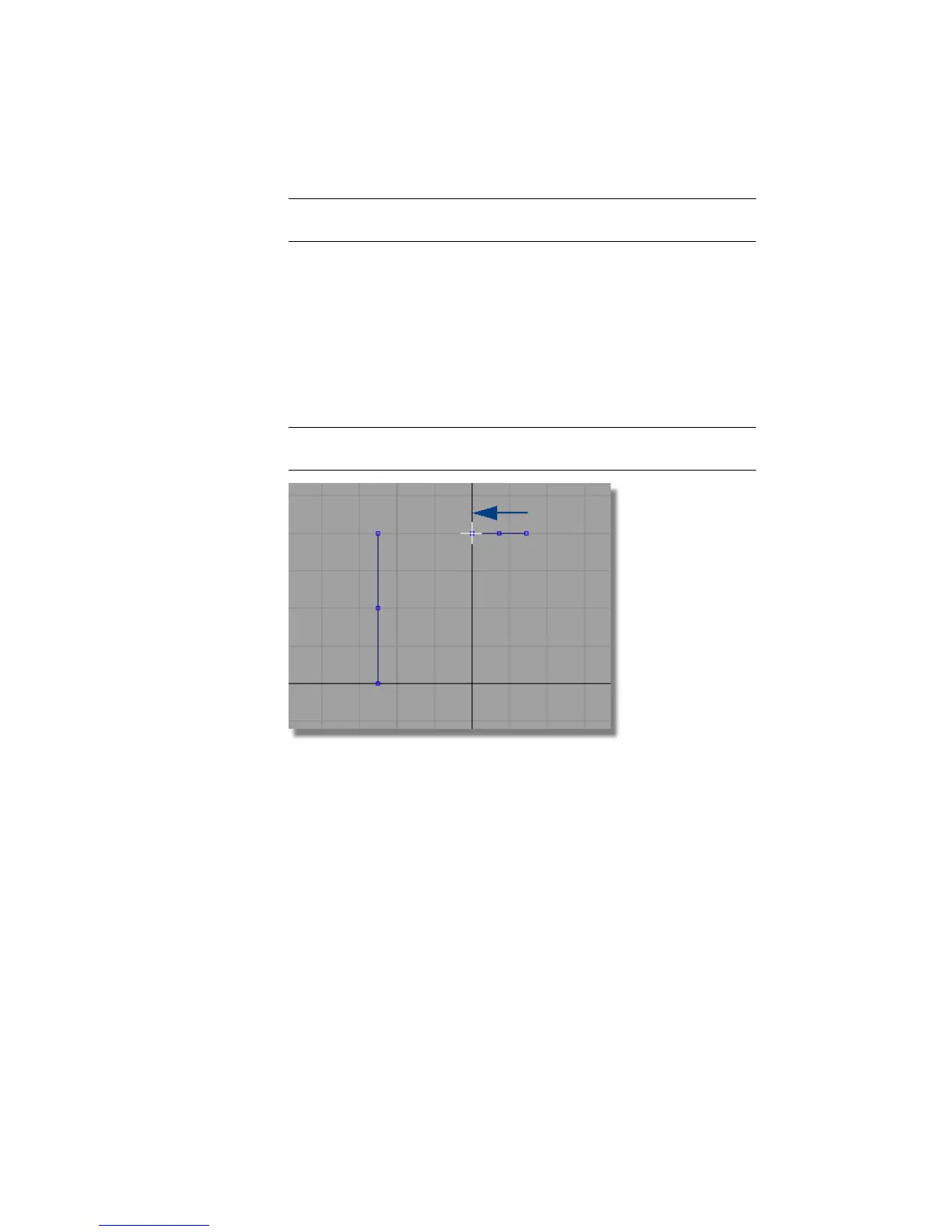
NOTE The length of the line isn't important; it just needs to be snapped to
the center grid line, and be horizontal.
Now you will create the arc at the top of the MP3 player.
6 Choose Curves > Keypoint Curve Toolbox, then Keypoint Curve Tools >
Arcs > Arc Tangent to Curve .
7 You are prompted to
Select the curve at location to make arc tangent to.
Click the horizontal line and, without releasing the mouse button, drag
the start point to the left end of the line, where it meets the grid.
NOTE The arc start point automatically snaps to the line, so you don't need
to use the curve snap (Ctrl and Alt (Windows) or Control and Command (Mac)).
8 You are prompted to
Enter end point of tangent arc.
Type -30,38,0 to position the end point.
410 | Chapter 7 Modeling an MP3 Player



 To Next Page