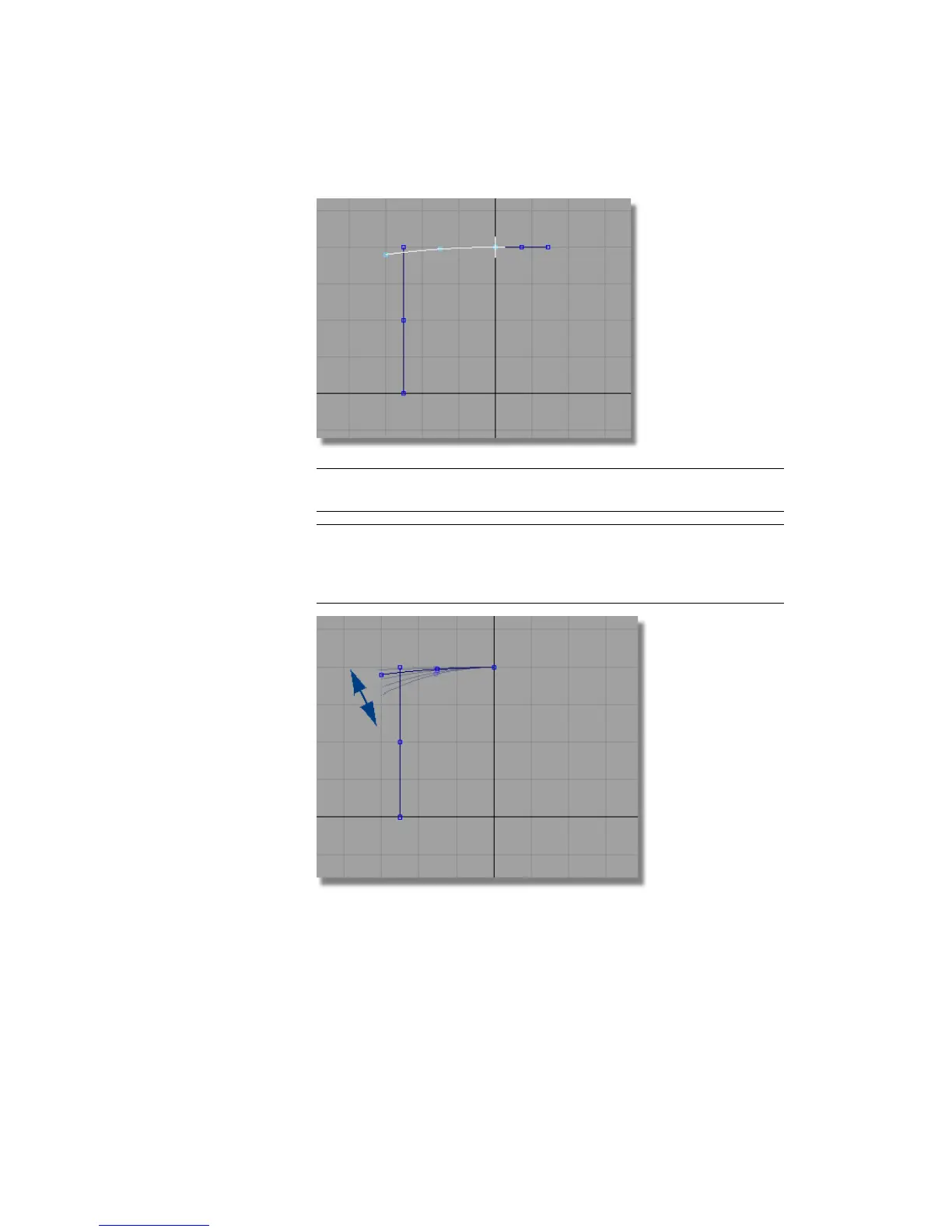
TIP The coordinate given for the end point gives you an arc similar to the
design shown at the start of this tutorial.
TIP If you want to modify the arc, and design your own shape, choose Curves
> Keypoint Curve Toolbox, then Keypoint Curve Tools > Drag Keypoints and
click and drag the end of the arc until you achieve the desired curve. The
curve remains tangent to the center line.
9 You no longer need the horizontal line, so choose Pick > Object to select
it, and press the Delete key to delete it.
Part 1: Creating the Casing Curves | 411



 To Next Page