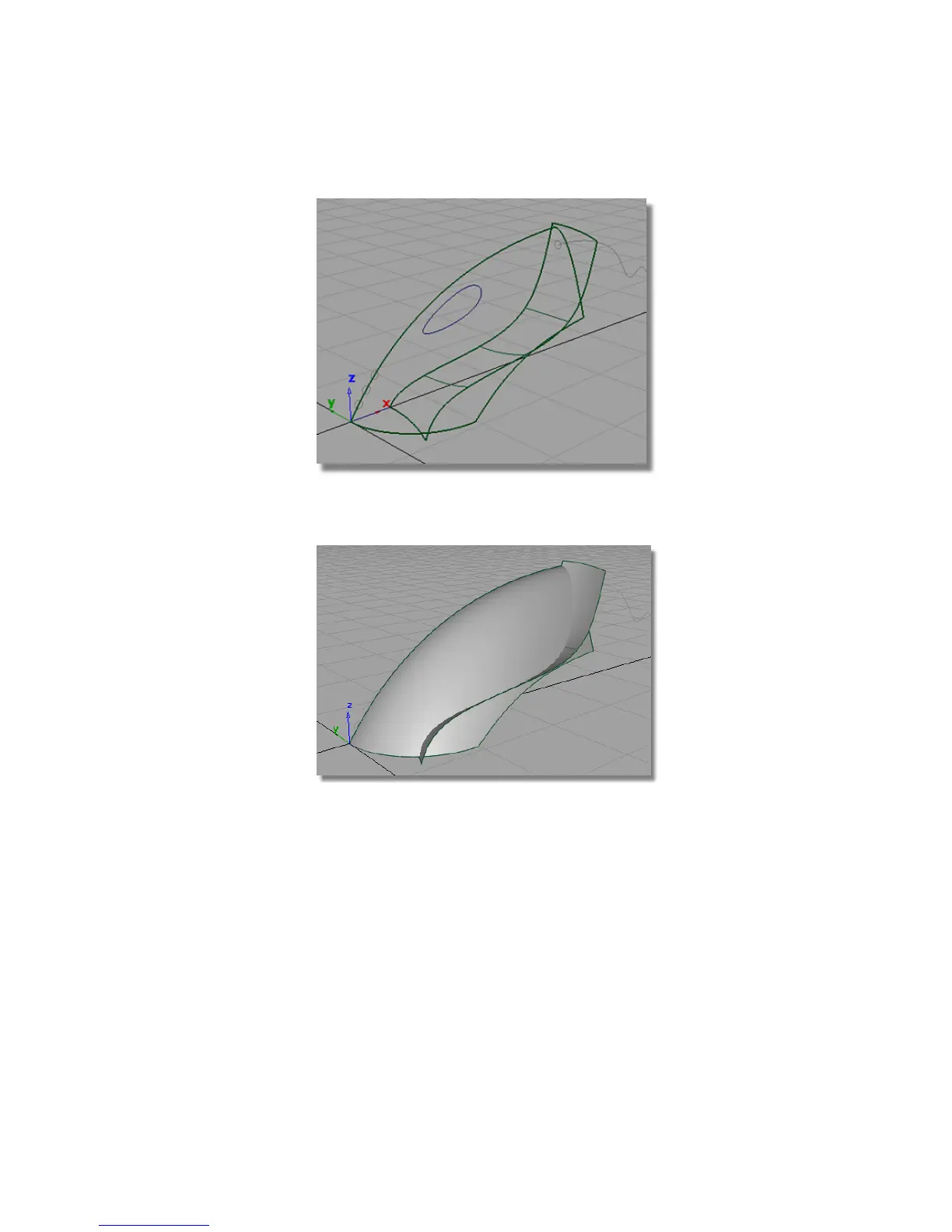
8 Use diagnostic Shading on the Control Panel to view the relationship
between the two overlapping surfaces.
You have now created the two main shapes that will be used to create
the vacuum cleaner body.
Saving your work
Now, you will save the scene as a new file.
1 Choose File > Save As to open the File Browser.
Part 1: Creating Primary Surfaces | 293



 To Next Page