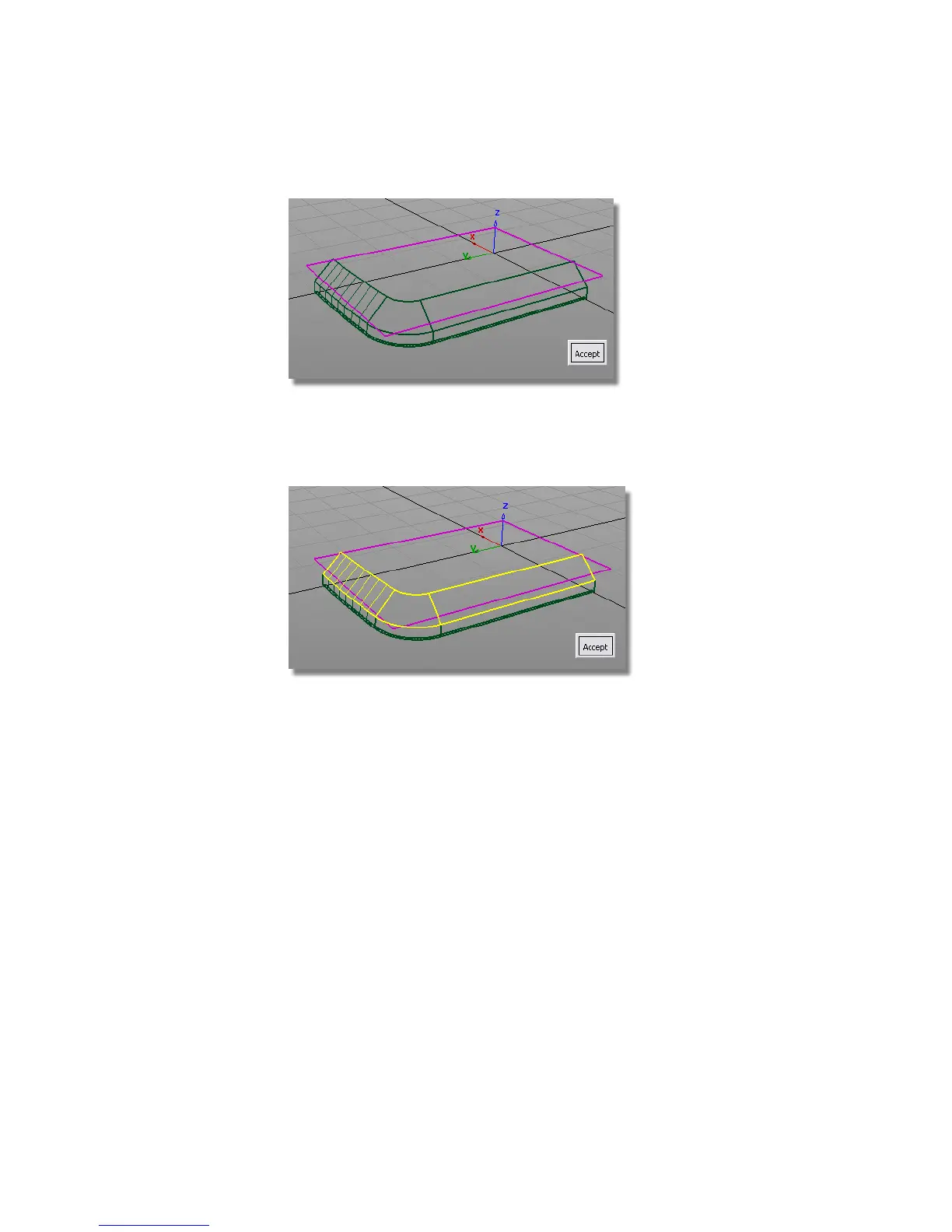
5 Click Accept.
6 Next you are prompted to select the second set of surfaces. Click the three
chamfered surfaces.
7 Click Accept.
Arrows appear on both surfaces indicating on which side the fillet will
be built. In this case, we want the pink arrow to point down, and the
yellow arrow to point inwards.
432 | Chapter 7 Modeling an MP3 Player



 To Next Page