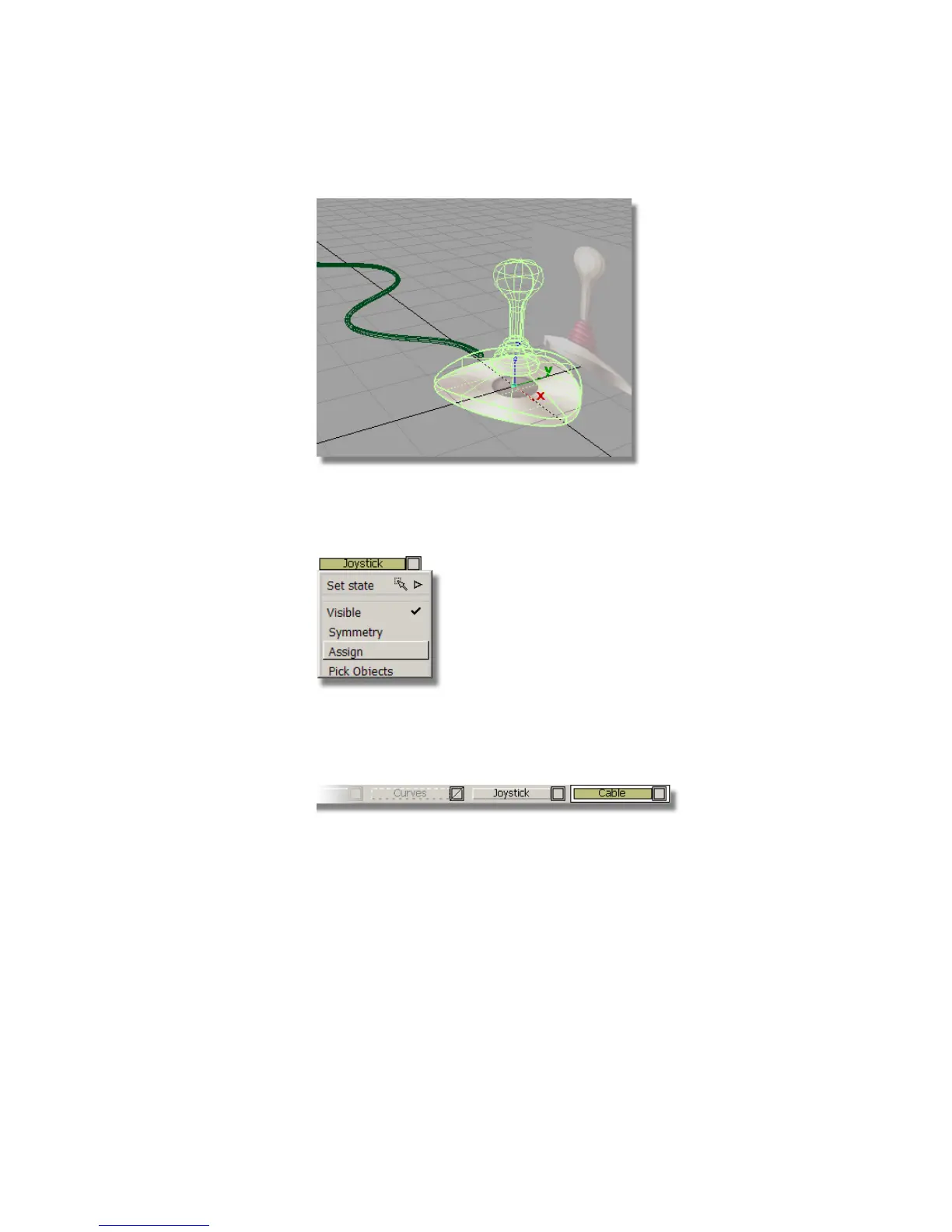
5 In the Layer Bar, press and hold the left mouse button on the Joystick layer
to display the pull-down menu. Then, choose Assign from the menu to
assign all the picked surfaces to the Joystick layer.
These surfaces are left visible, so you can continue working on them in
the next section.
6 Create another layer using Layers > New. Rename the layer Cable.
7 Choose Pick > Nothing to deselect the joystick objects.
8 Choose Pick > Object and select the cable surface.
Part 5: Assigning objects to layers | 229



 To Next Page