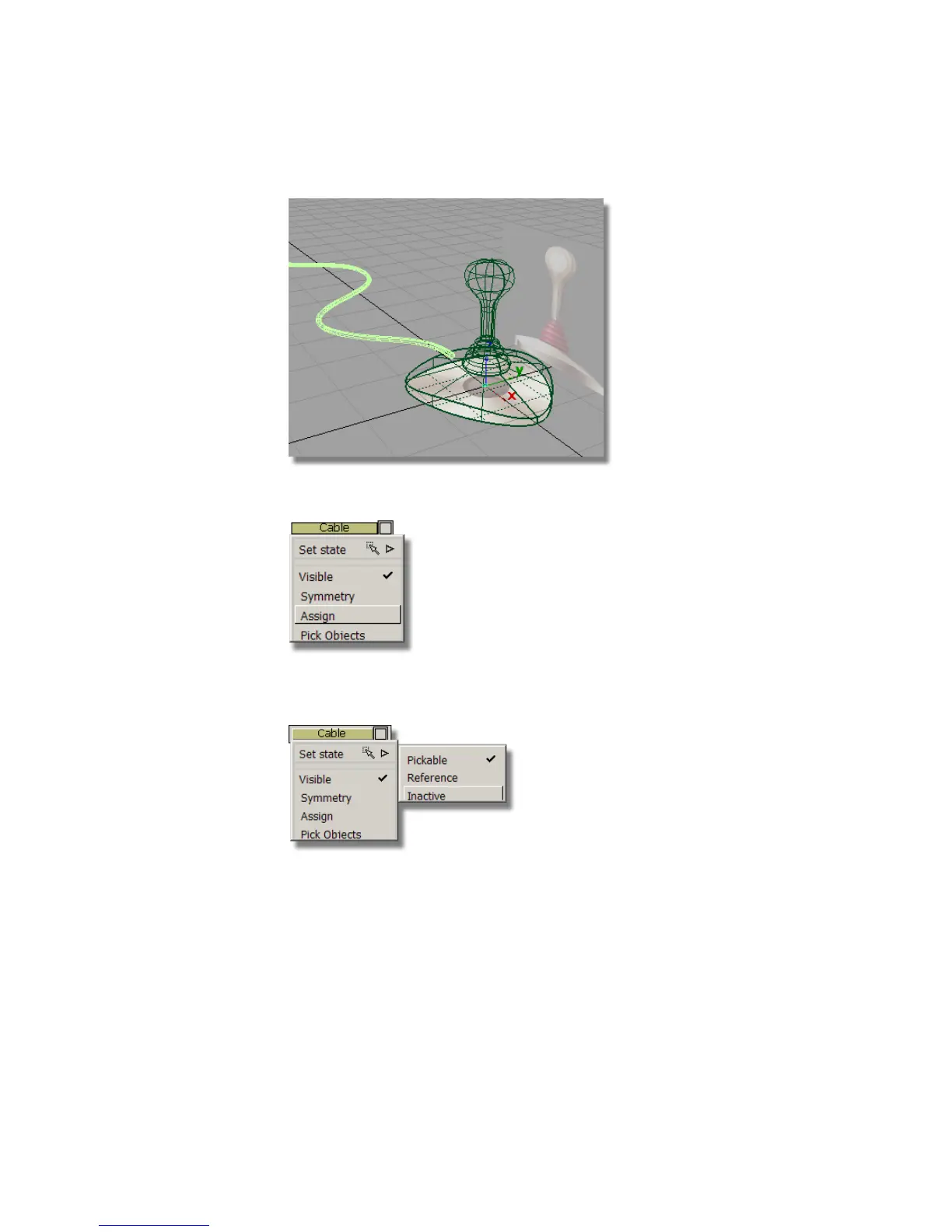
9 Assign the cable surface to the cable layer.
10 Press and hold the left mouse button on the Cable layer, choose Set State,
then Inactive to make the cable surface inactive.
The cable surface is still visible, but is shown in pale blue and cannot be
selected.
230 | Chapter 5 Modeling a Joystick



 To Next Page