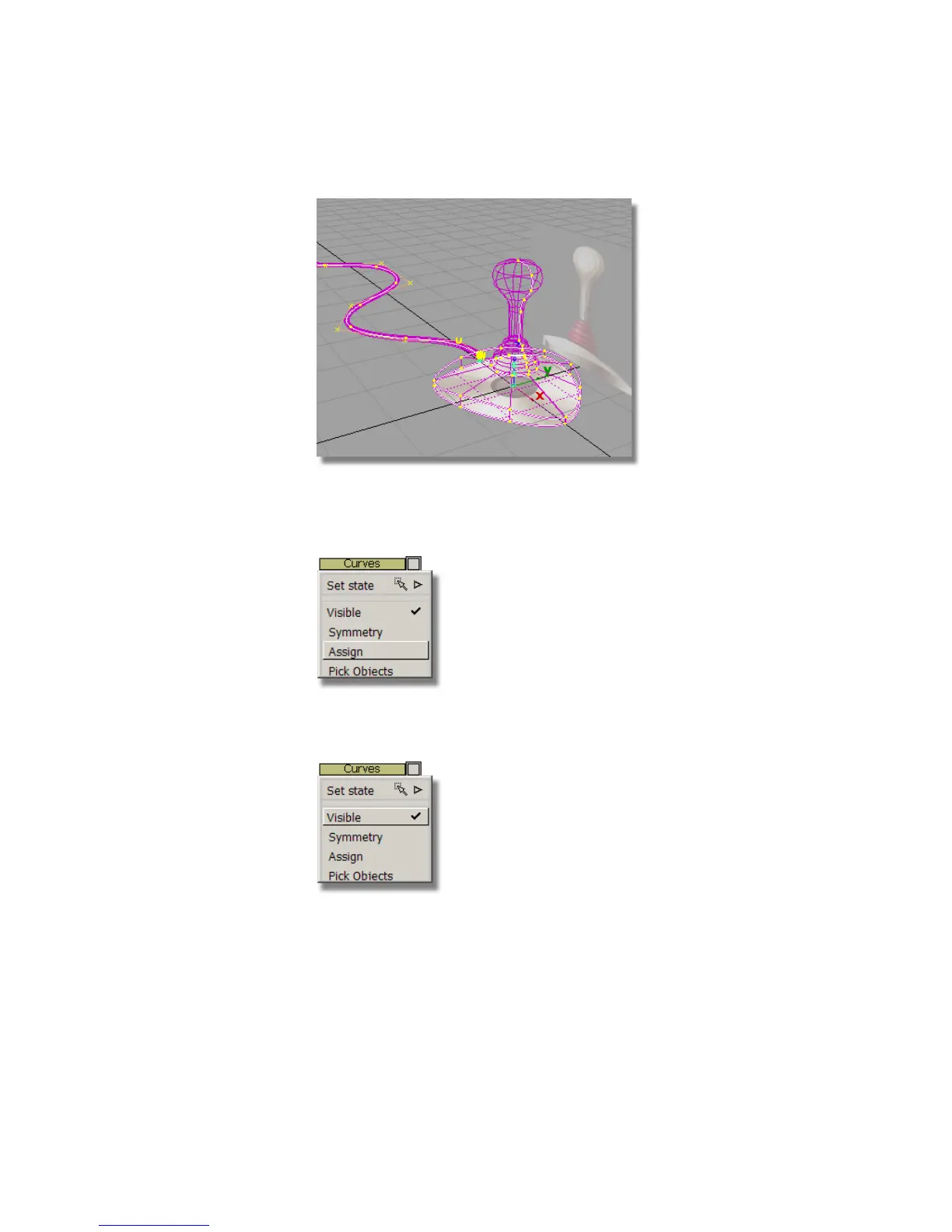
6 In the Layer Bar, press and hold the left mouse button on the Curves
layer to display the pull-down menu. Then, choose Assign from the
menu to assign all the picked curves to the Curves layer.
7 Press and hold the left mouse button on the Curves layer, and choose
Visible to turn off the visibility of the layer.
The curves are no longer displayed in the scene.
Part 5: Assigning objects to layers | 227



 To Next Page