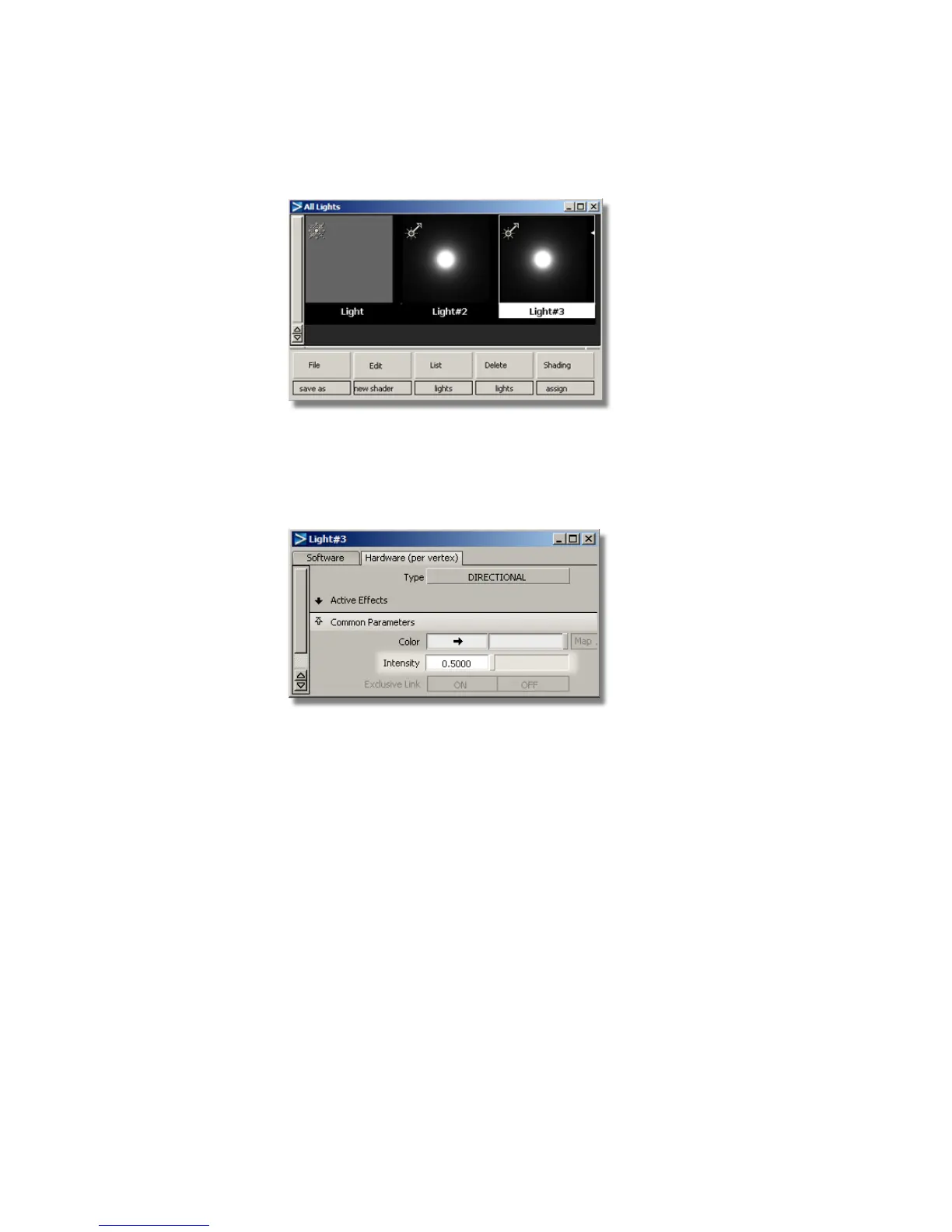
The new light is shown in the Multi-lister.
2 Double-click the new light icon to open the option window.
Open the Common Parameters section, and reduce the intensity to
around 0.5.
3 Check the shaded view and adjust the light intensity further, if necessary.
668 | Chapter 10 Shaders and Lights



 To Next Page