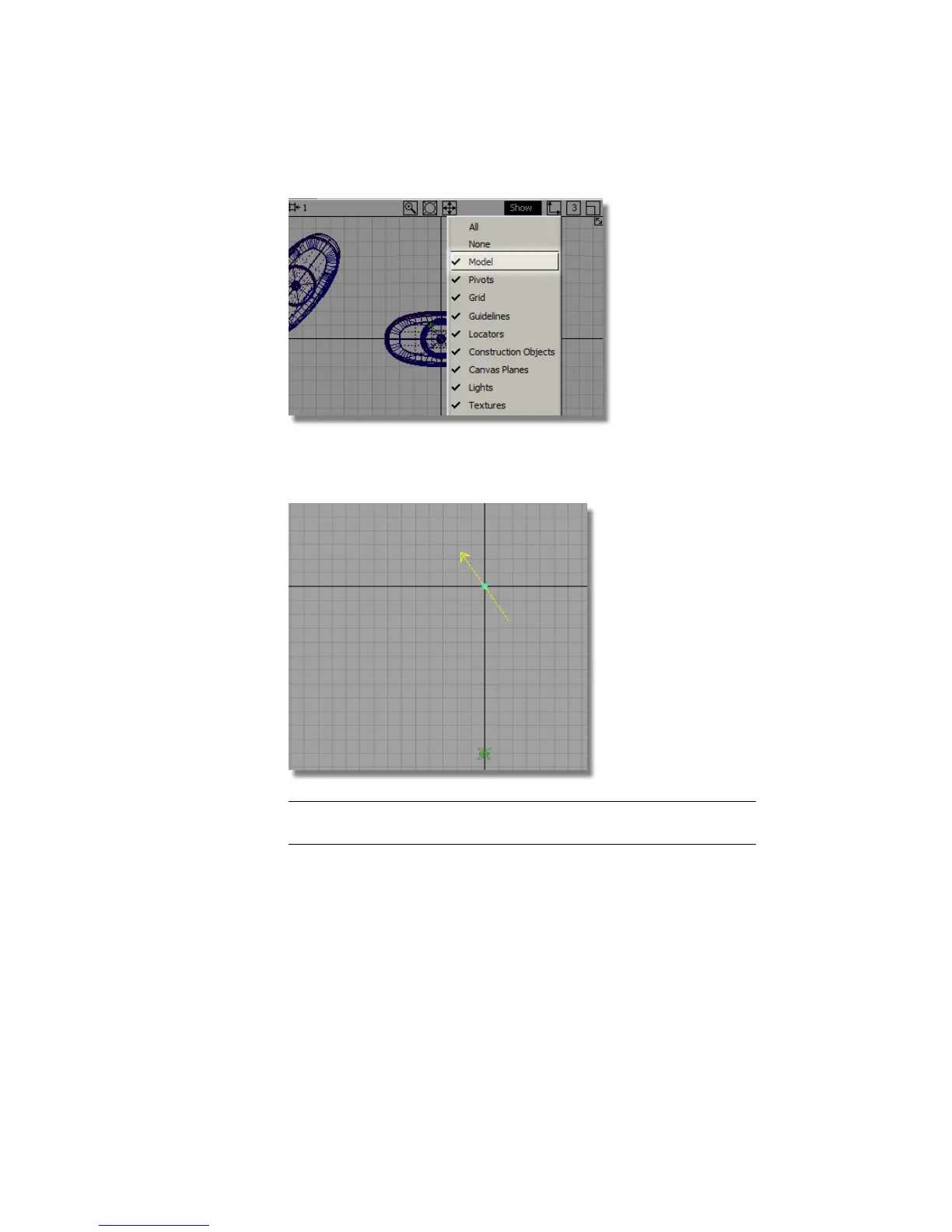
The two default lights are shown as green symbols.
3 Choose Pick > Object and select the Directional Light.
TIP You can Transform > Scale the light symbol to make it easier to see.
This will not change the lighting effects.
4 Choose Transform > Rotate and use the right mouse button to rotate the
light in the z-axis.
664 | Chapter 10 Shaders and Lights



 To Next Page