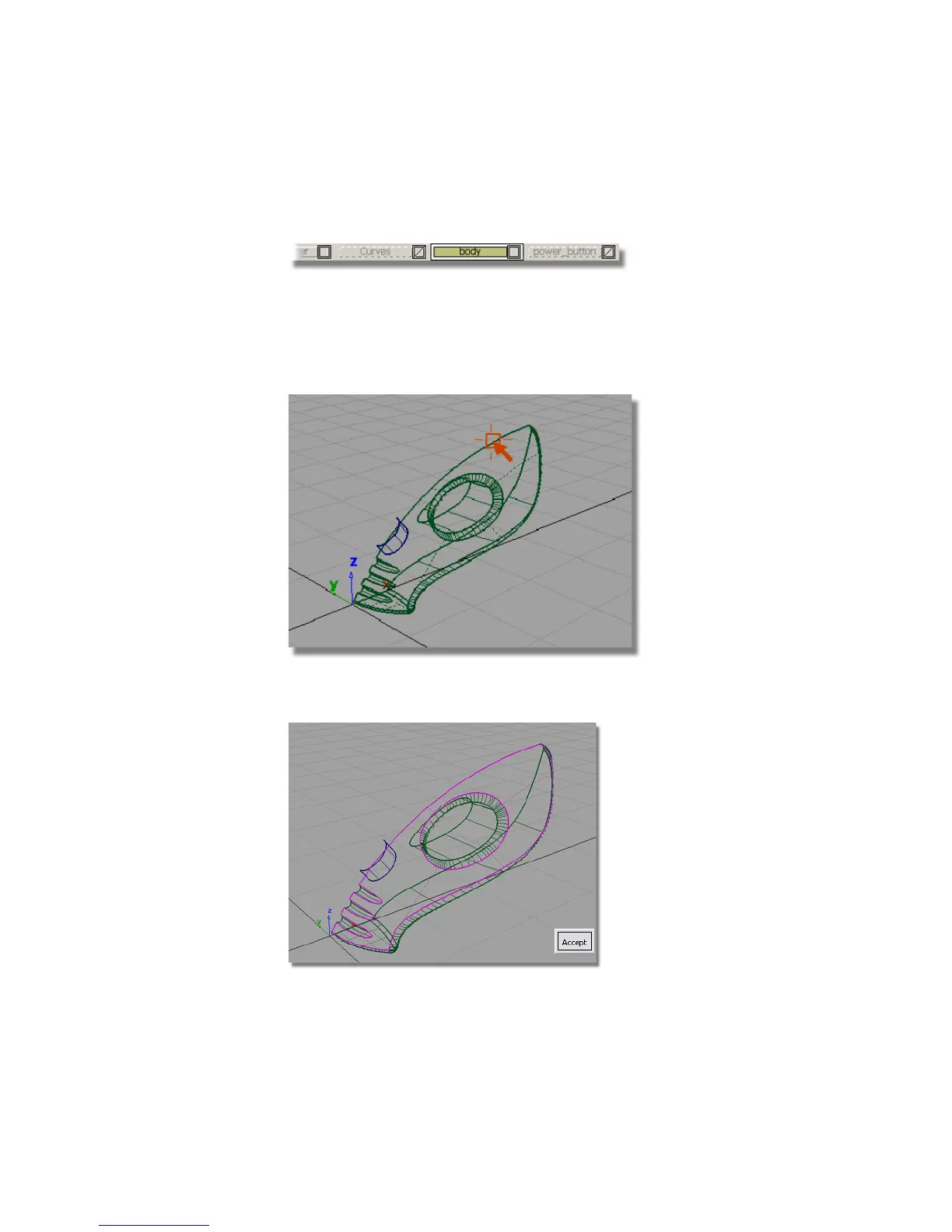
3 Make the body active by clicking the layer tab to make it yellow. This
means all new surfaces will be assigned to this layer.
4 Choose Surfaces > Surface Fillet . The settings you used before are used
for this fillet surface, and so you don’t need to open the option box.
You are prompted to select the first set of surfaces.
5 Click the upper surface to select it.
The surface is selected and highlighted in pink, and an Accept button
appears in the bottom right corner of the view.
362 | Chapter 6 Modeling a Vacuum Cleaner



 To Next Page