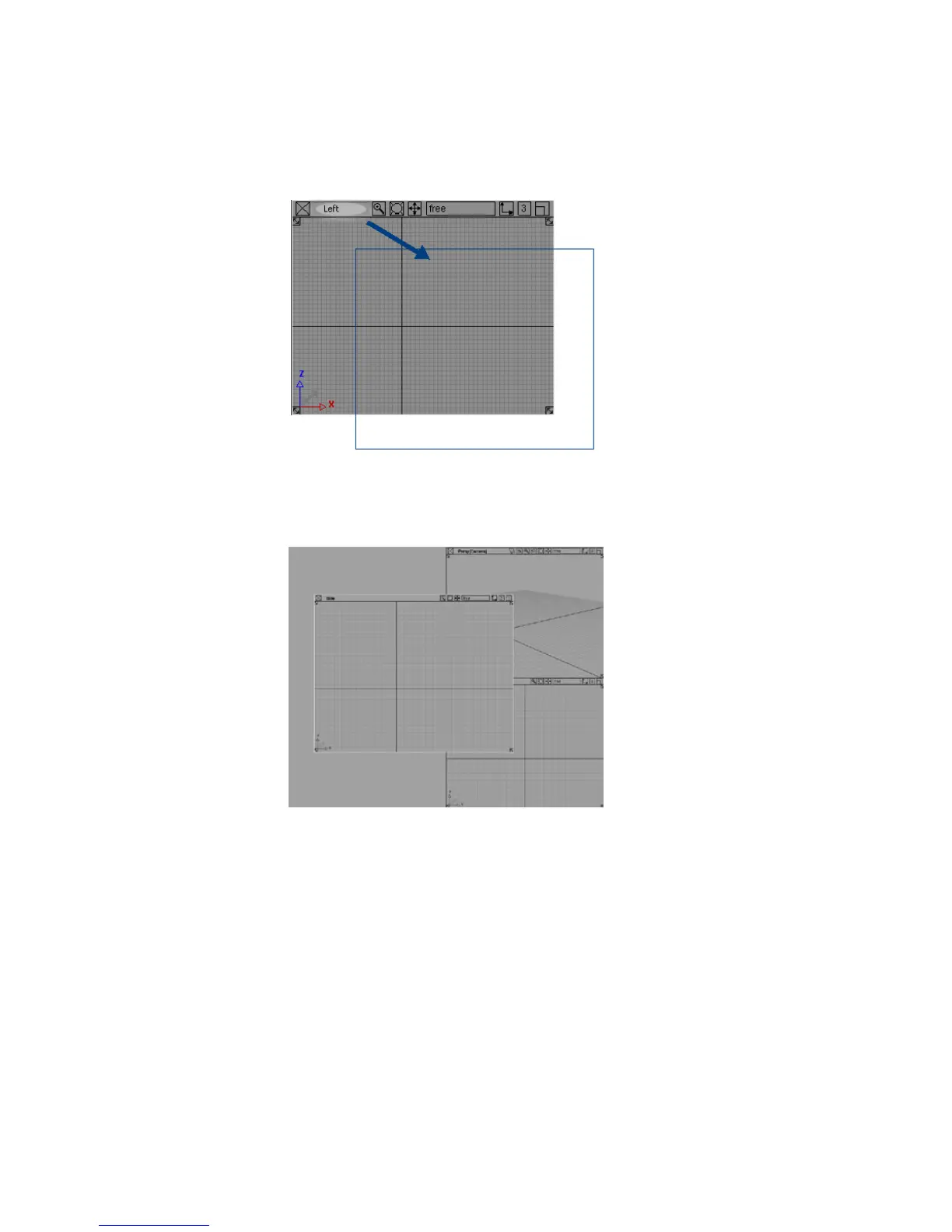
3 Release the mouse button. The window snaps to the new location.
4 By now you probably have some view windows overlapping other
windows, similar to this:
The windows are like a stack of papers on a desk. As you shuffle them,
they can overlap.
24 | Chapter 3 Interface Basics



 To Next Page