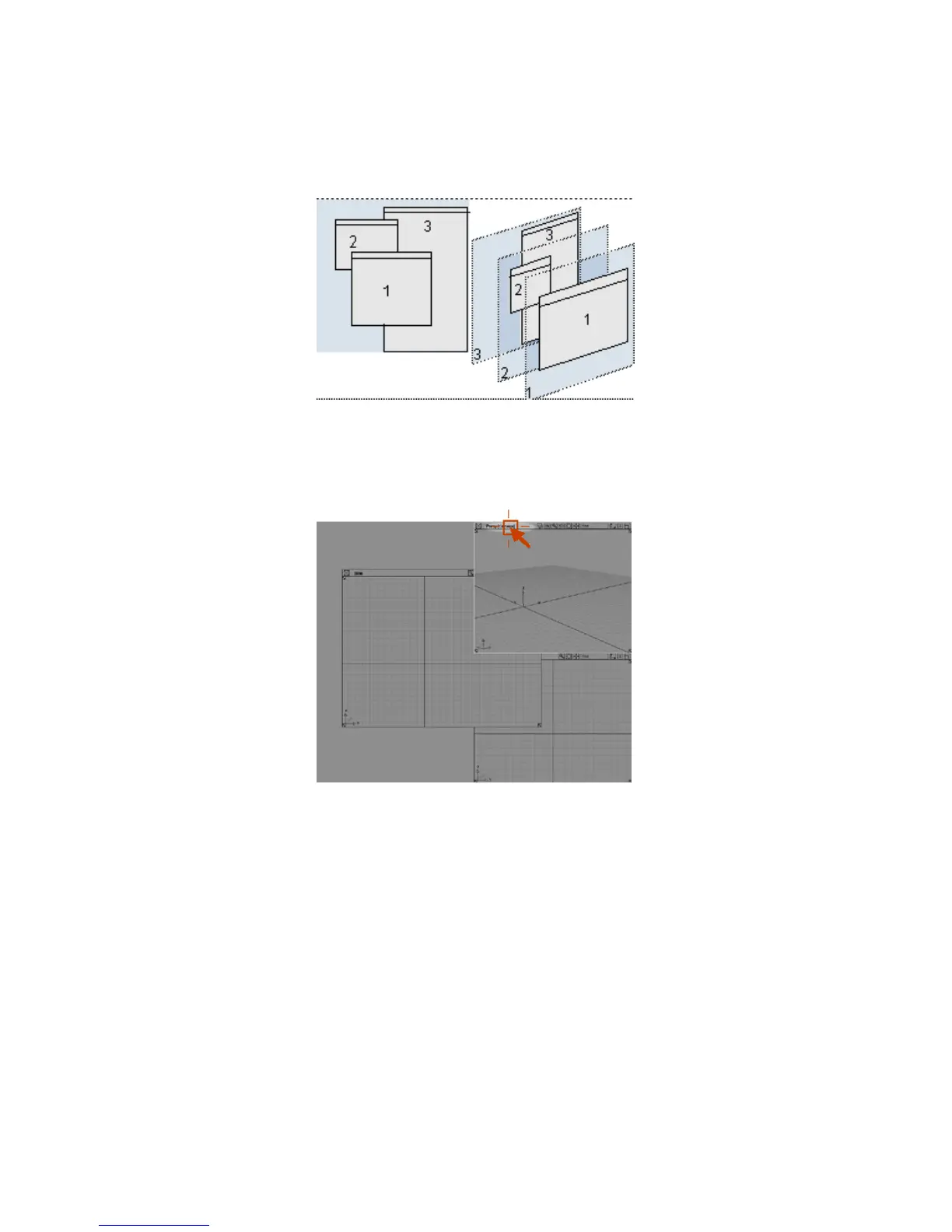
When windows overlap like this, you can click in a window to move that
window to the front of the stack.
5 Click the title bar of the Perspective view window to move it in front of
the other windows.
The windows are probably a little disorganized at this point. Quickly reset
them to a default layout using the commands in the Layout menu again.
6 Choose Layouts > All Windows > All Windows .
The Active Window
Notice one of the view windows has a white border. This is how Alias indicates
the active view window (sometimes also called the current view window).
Arranging Windows | 25



 To Next Page