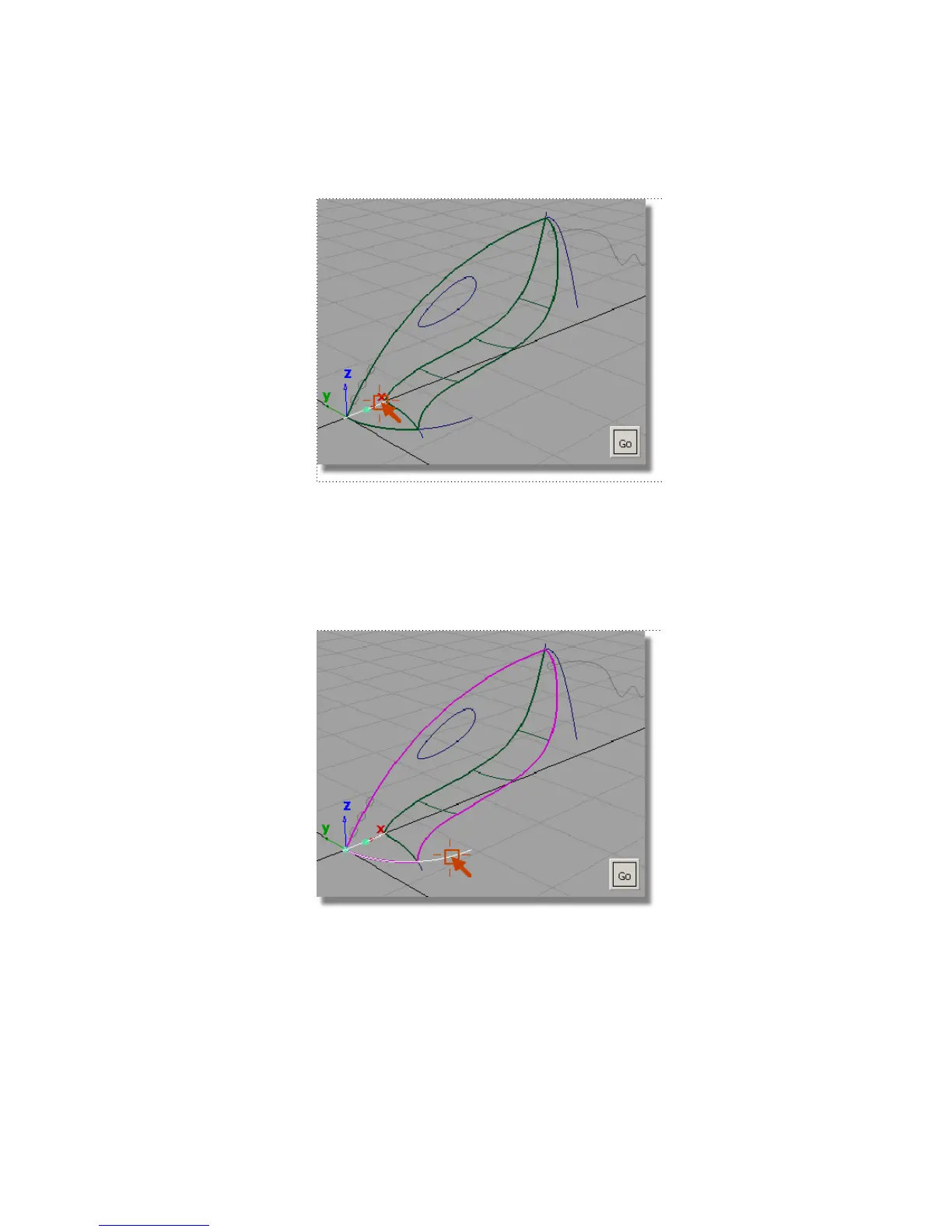
The curve is selected and a Go button appears in the bottom right corner
of the view.
You are prompted to select another curve.
4 Click the front nozzle curve to select it as the second curve for the planar
surface. If the pick chooser appears, make sure that you pick the curve,
not the surface edge.
The curve is selected, and you are prompted to select another curve.
Part 2: Intersecting and Trimming | 305



 To Next Page