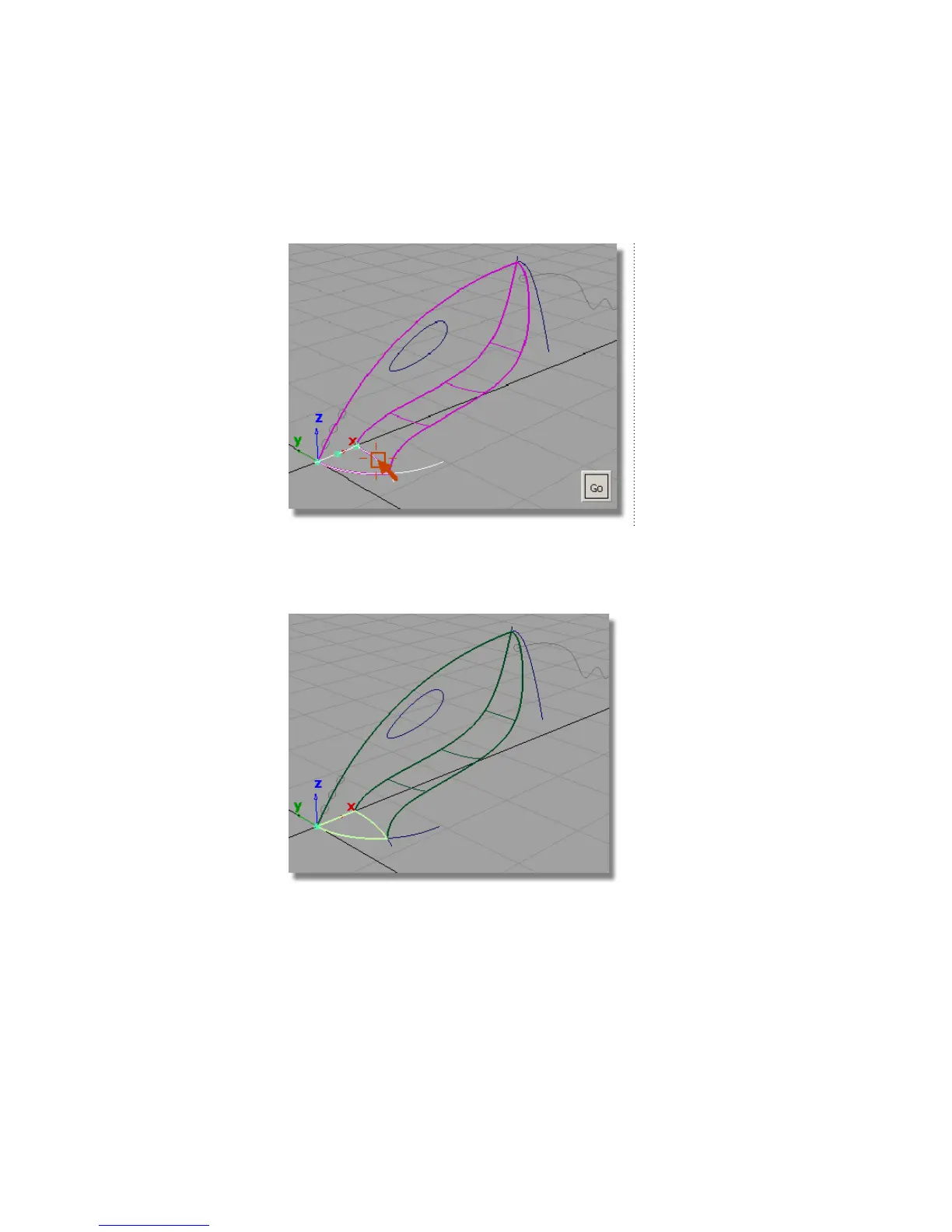
5 Click the rear nozzle curve to select it as the third curve for the planar
surface.
The curve is selected. The three curves form a closed region within which
the planar surface will be created.
6 Click Go to create the planar surface.
The surface is created and highlighted in pale yellow.
7 Choose Pick > Nothing to deselect the planar surface.
306 | Chapter 6 Modeling a Vacuum Cleaner



 To Next Page