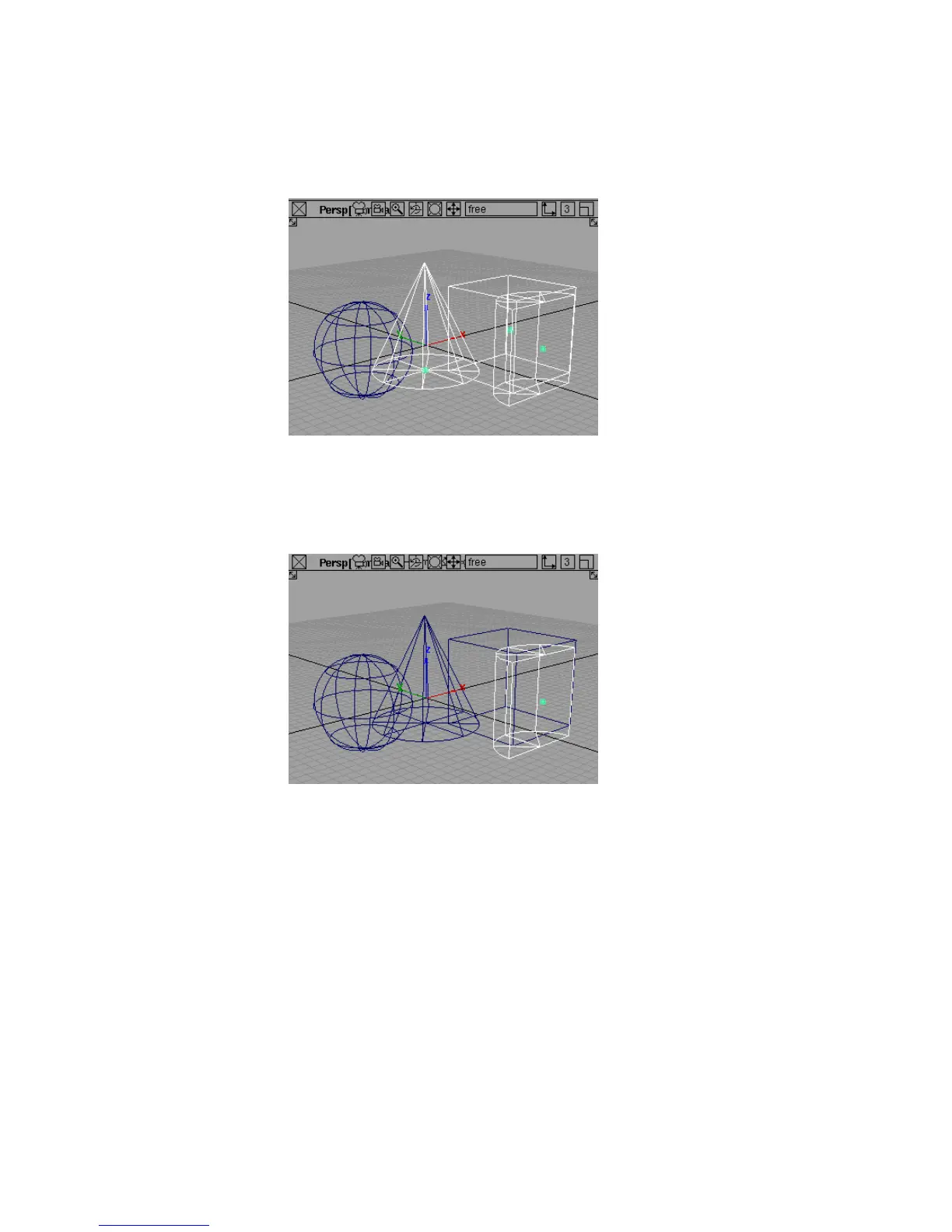
The object you clicked becomes unpicked.
The left mouse button toggles objects between picked and unpicked.
5 Now click one of the primitives with the middle mouse button.
The object you clicked is picked and the other objects are unpicked.
The middle mouse button picks only the object you click.
6 Click the picked primitive with the right mouse button.
36 | Chapter 3 Interface Basics



 To Next Page