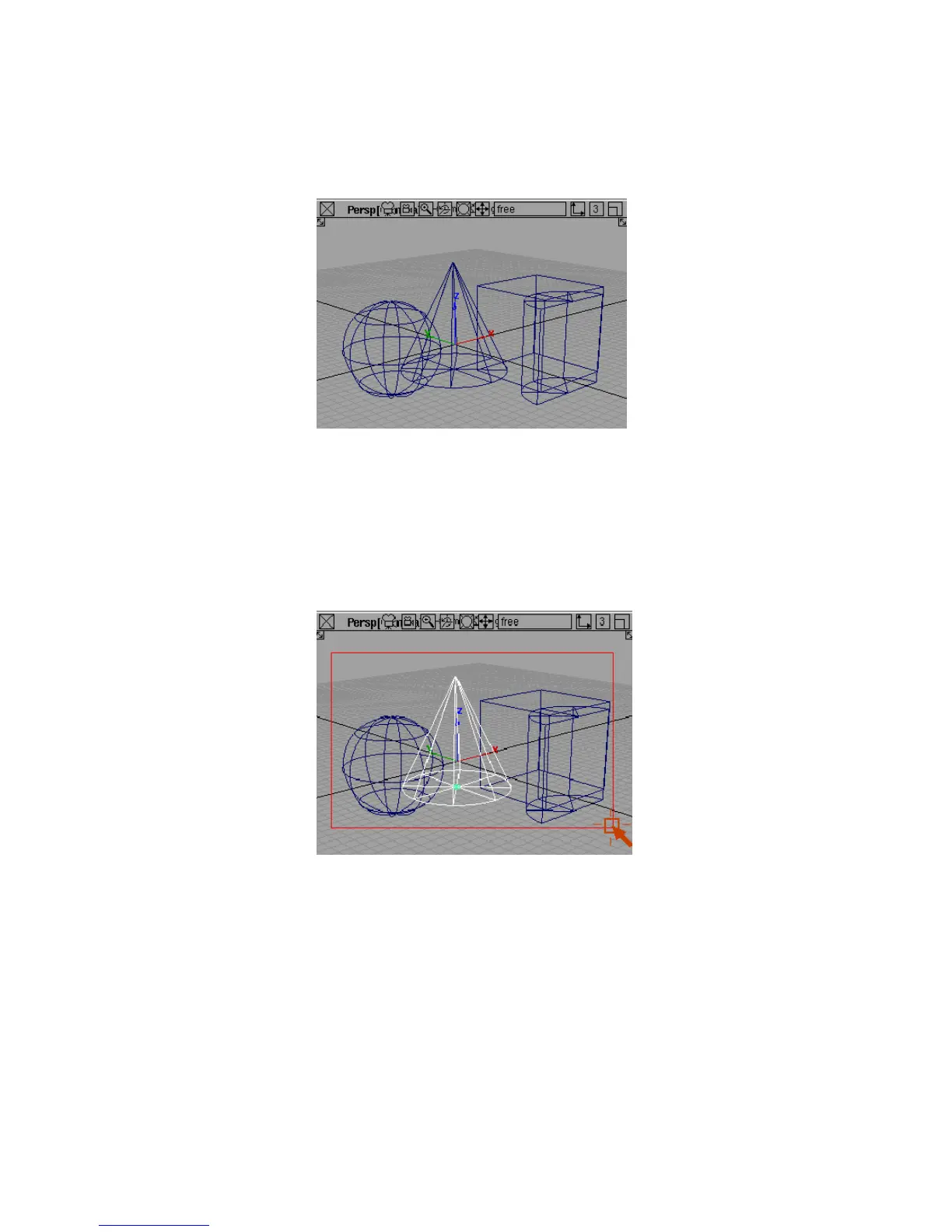
The object is unpicked.
The right mouse button unpicks objects. This is most useful with pick boxes,
as you will see in the next procedure.
To use pick boxes to pick and unpick several objects at once
1 With the Pick > Object tool still selected, click one of the primitive objects
with the left mouse button.
2 Press the left mouse button and drag a box around all the primitive objects.
Picking and Unpicking Objects | 37



 To Next Page