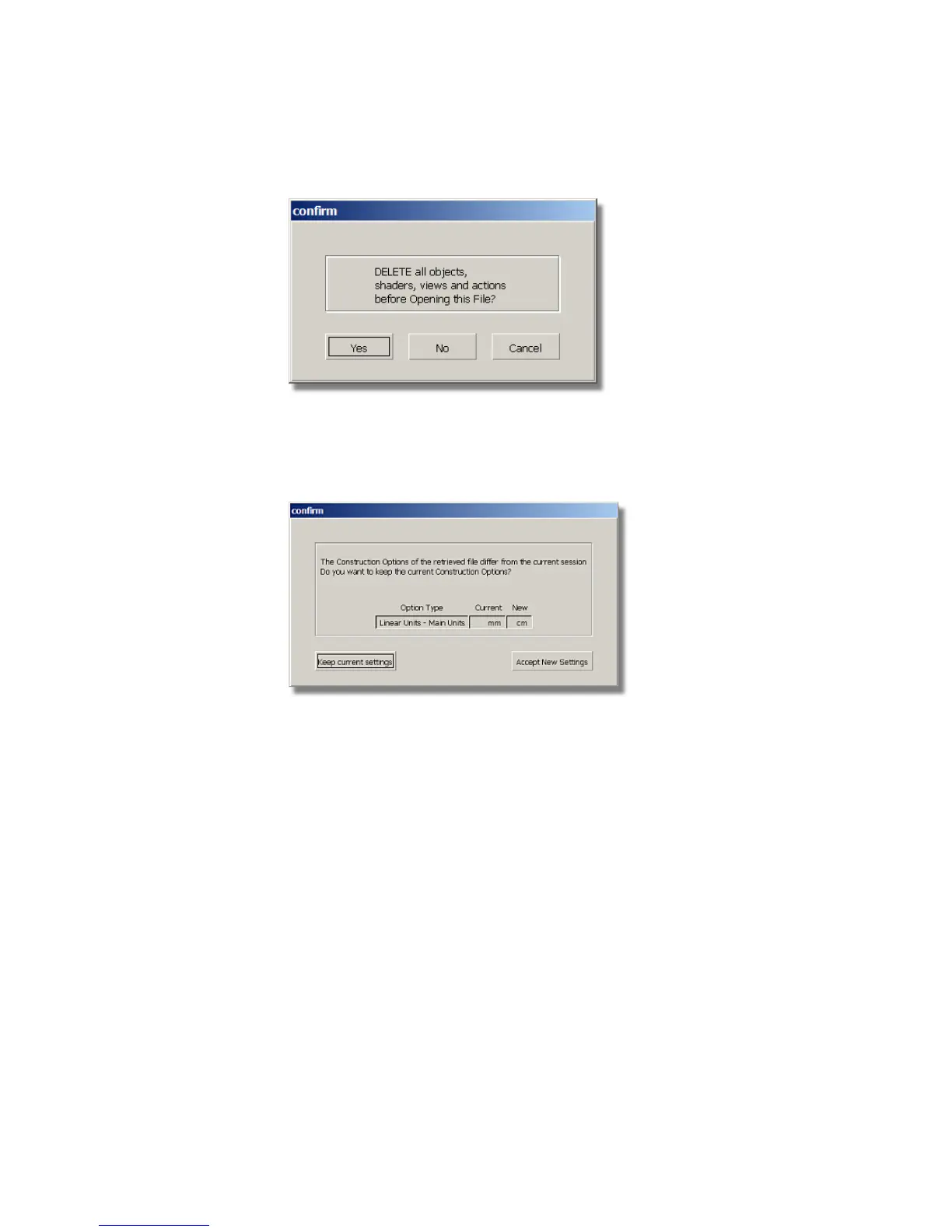
A dialog box appears, asking if you want to delete all objects, shaders
views, and actions. Click Yes.
If your values for construction tolerances differ from those in the
vacuum.wire file, you will be presented with a dialog:
Click Accept New Settings to use the construction tolerances in
vacuum.wire.
The file is opened.
282 | Chapter 6 Modeling a Vacuum Cleaner



 To Next Page