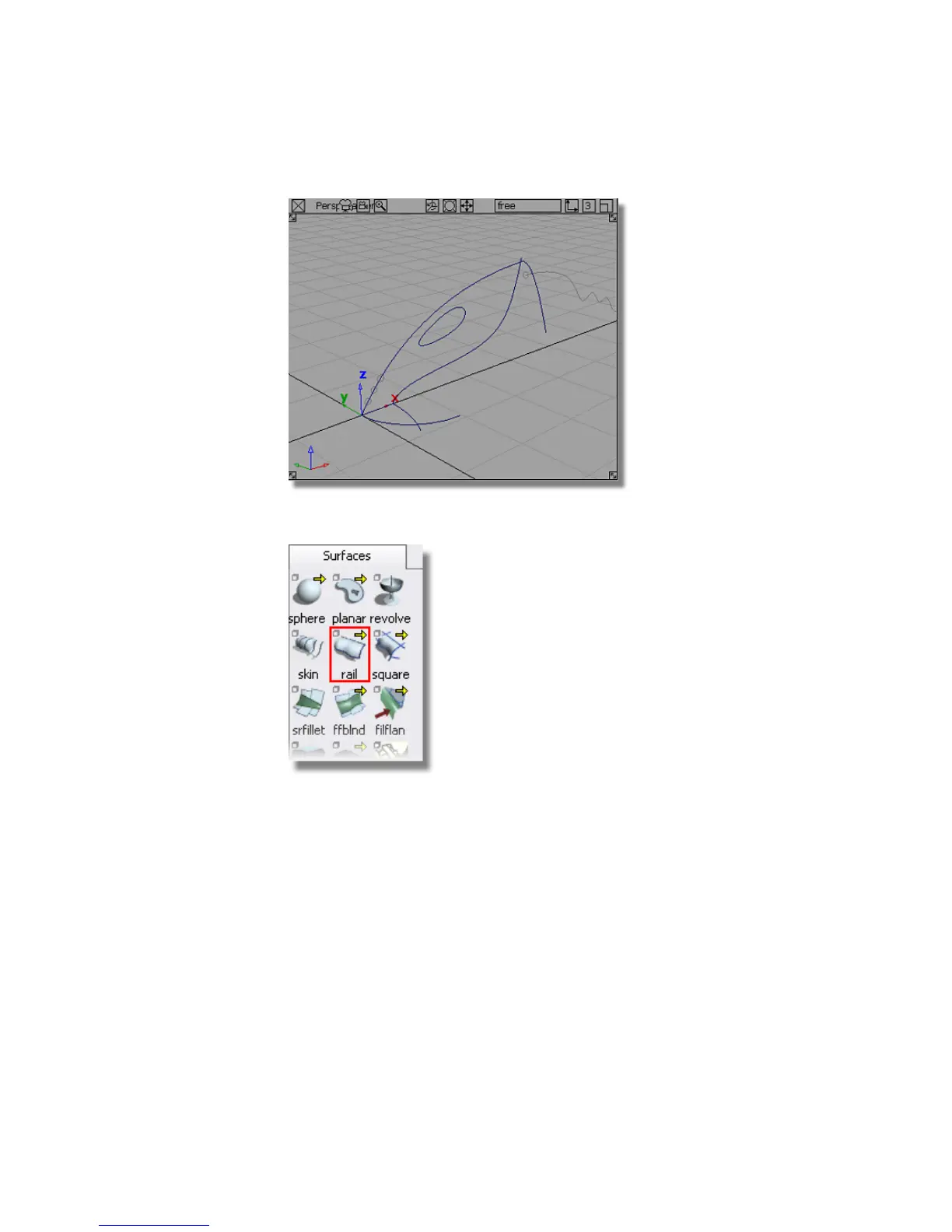
2 Choose Surfaces > Swept Surfaces > Rail Surface.
The Rail surface defaults to a birail, which has two path curves. You
will now change this to a mono-rail, with only one path curve.
3 Double-click the Rail surface icon to open the option window.
284 | Chapter 6 Modeling a Vacuum Cleaner



 To Next Page