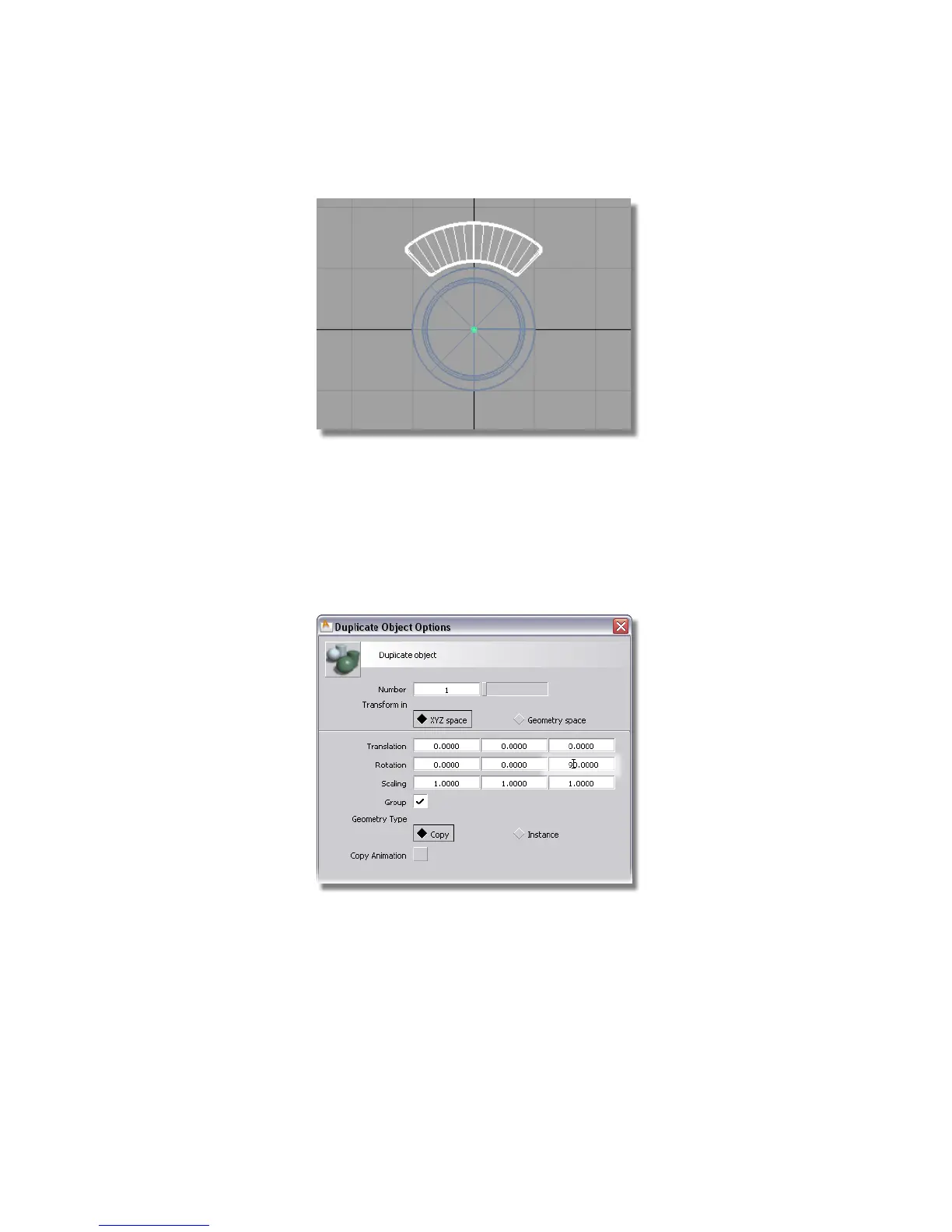
You now have one complete button, in the desired orientation, so now
you will create three additional buttons.
Choose Edit > Duplicate > Object ❒
First, click the Reset button at the bottom of the option window. This
will restore all the default settings.
Then set the Number of duplicates to 3, and the Rotation to 90 degrees
in the z-axis.
Click Go to create the duplicates.
The four buttons are created.
Part 7: Completing the Model | 497



 To Next Page