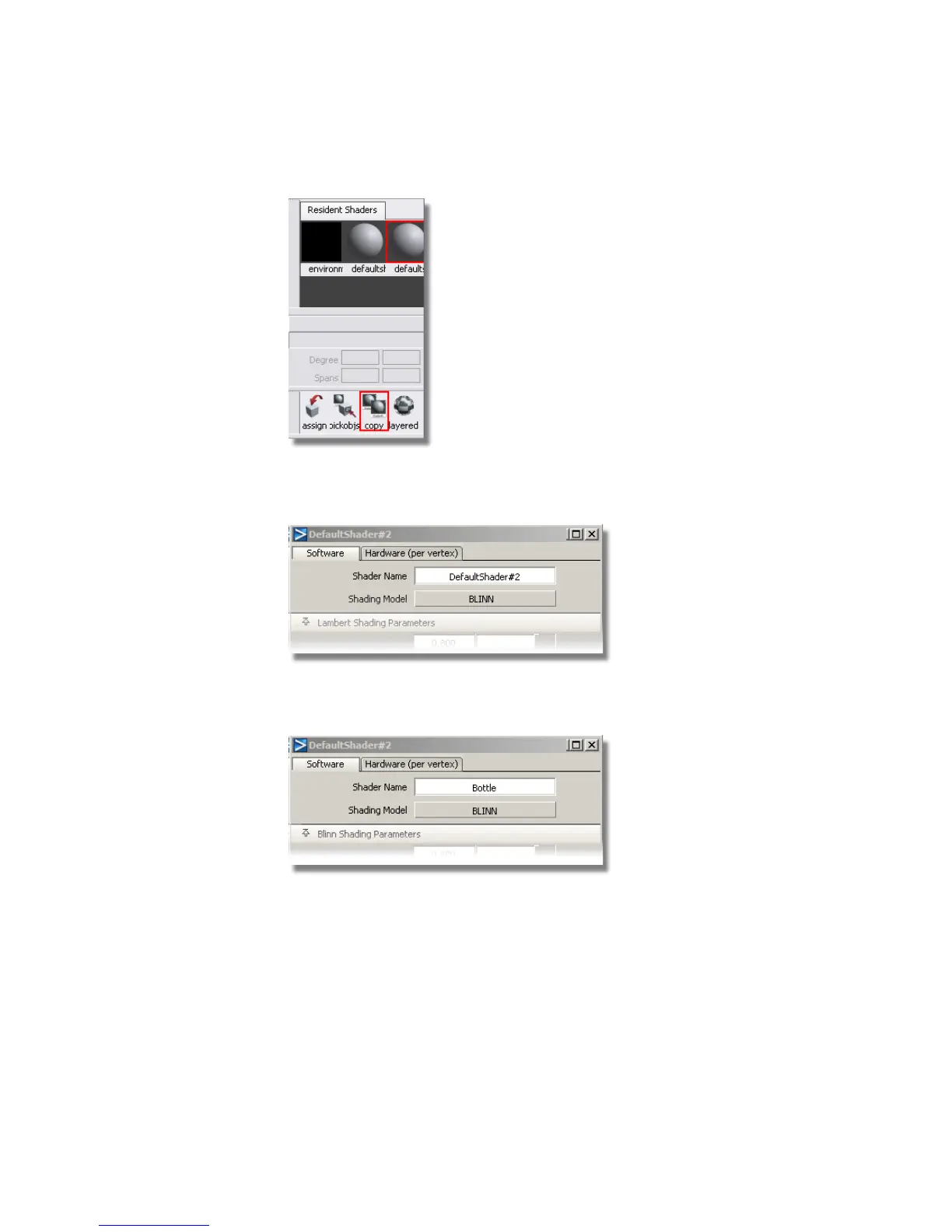
2 Double-click the new shader icon to open the shader editor.
The default settings are shown.
3 Change the Shader Name to Bottle, and leave the Shading Model
set to BLINN. This will give a soft highlight for the bottle plastic.
Now, you will choose a color for the bottle.
4 In the shader editor, open the Common Shader Parameters section.
640 | Chapter 10 Shaders and Lights



 To Next Page