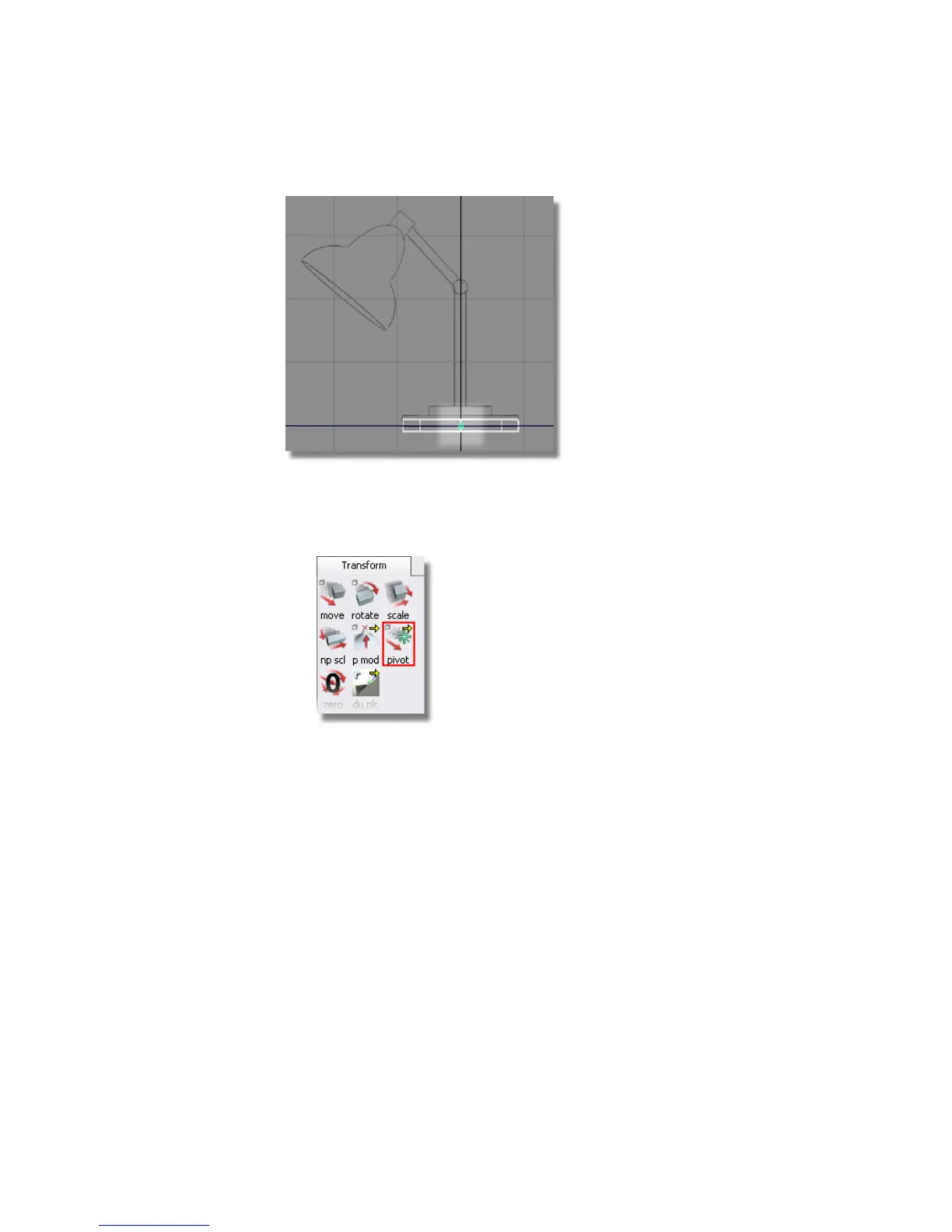
The position of the pivot is modified using the Transform > Local > Set
Pivot tool.
1 Choose Transform > Local > Set Pivot .
2 The pivot needs to be at the base of the cylinder. To move the pivot point
to the base use curve snapping and select the bottom line of the cylinder.
Hold the Ctrl and Alt (Windows) or Control and Command (Mac) keys down
together to turn on curve snapping.
3 Click the bottom edge of the cylinder with the right mouse button. Using
the right mouse button keeps the pivot point centered as it moves
downwards.
Part 2: Building the lampstand | 103



 To Next Page