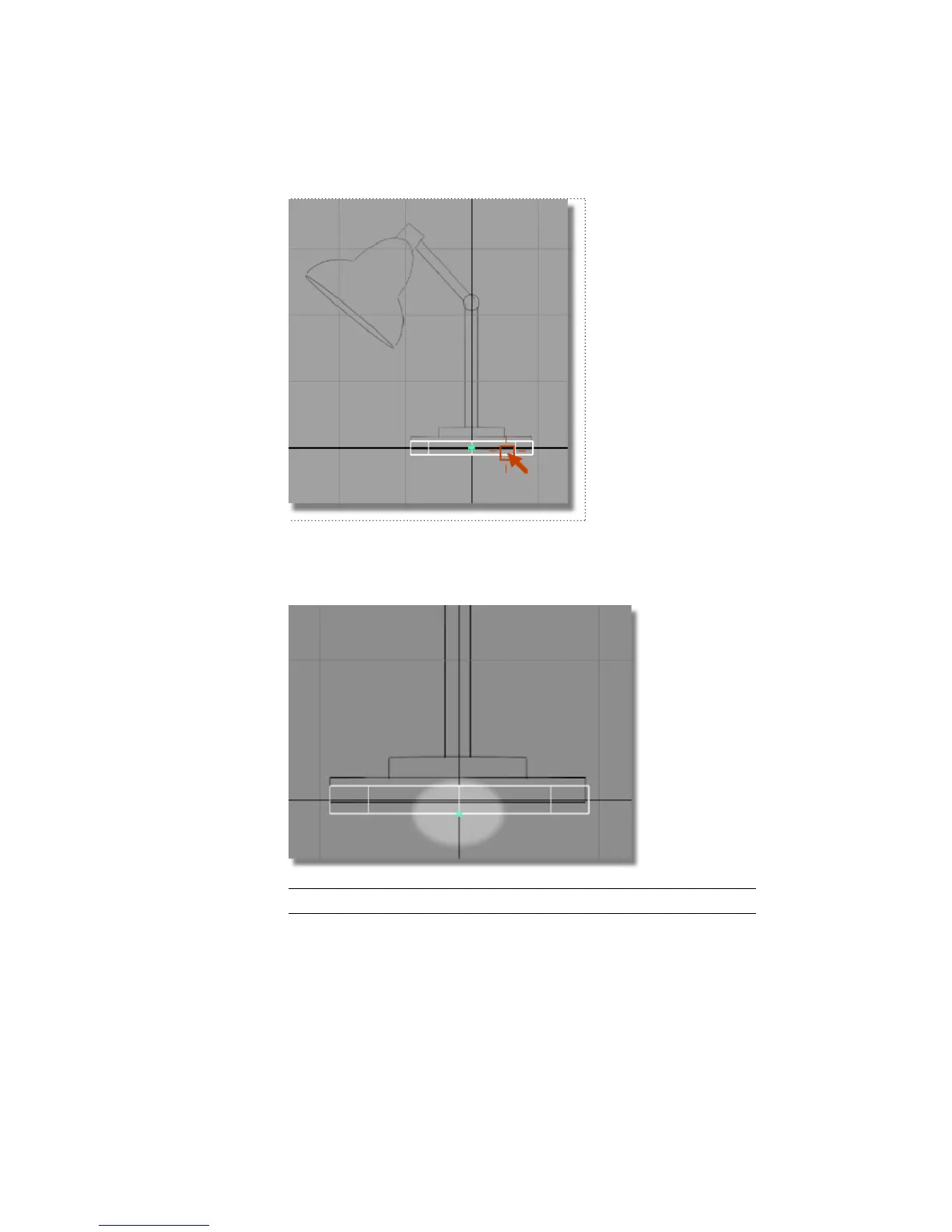
The pivot point snaps precisely onto the bottom edge of the cylinder.
Release the Ctrl and Alt (Windows) or Control and Command (Mac) keys
and the mouse button.
TIP If you make a mistake, choose Edit > Undo to step back.
Next, move the cylinder onto the grid.
4 Choose Transform > Move .
104 | Chapter 4 Introduction to 3D



 To Next Page