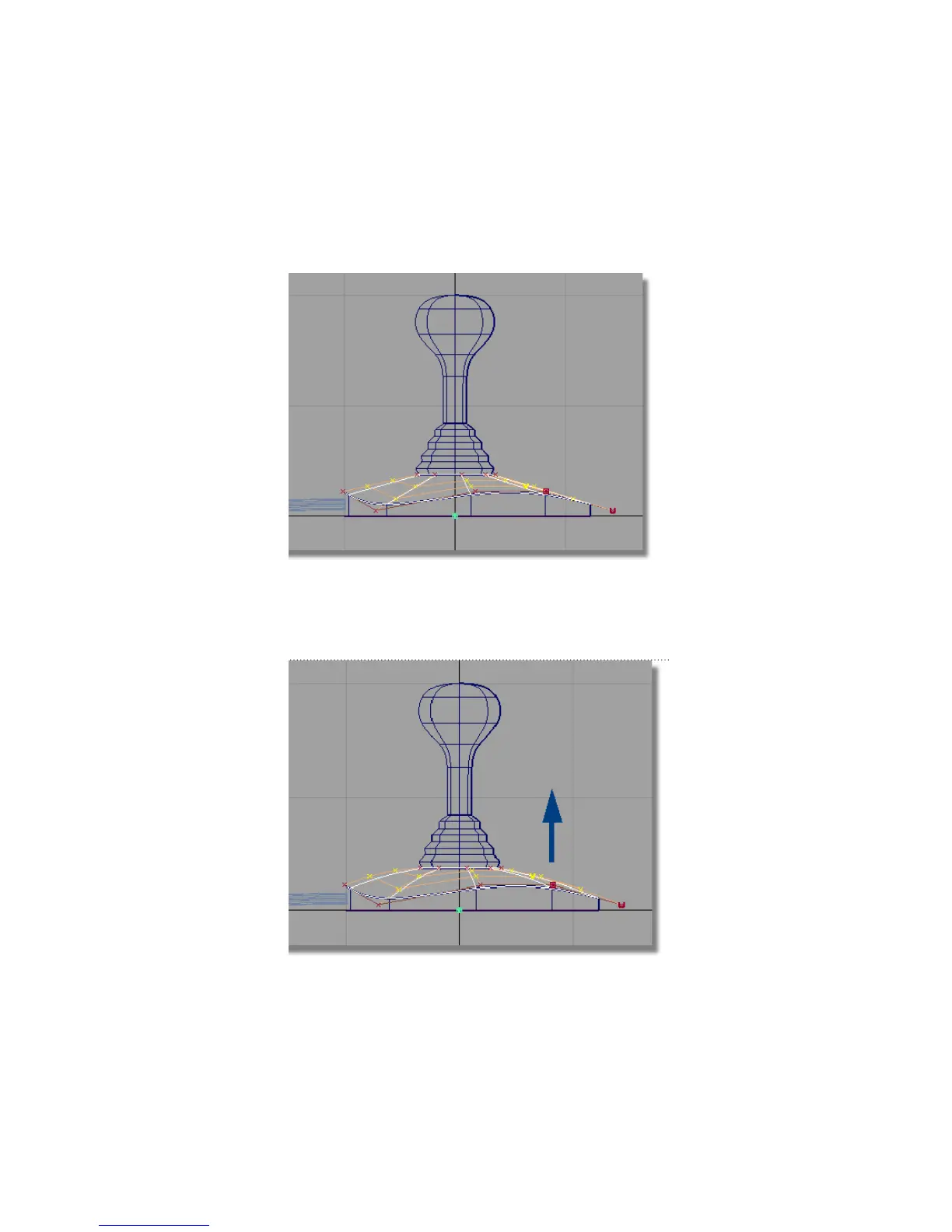
You will now move these hulls, and the associated CVs, upwards in the
Left view, to sculpt the surface.
7 Choose Layouts > Left or F6 to switch to the Left view.
8 Choose Transform > Move .
9 Click and drag the right mouse button to move the hulls upwards. Move
them enough to create a gentle curve on the top edge of the surface.
244 | Chapter 5 Modeling a Joystick



 To Next Page