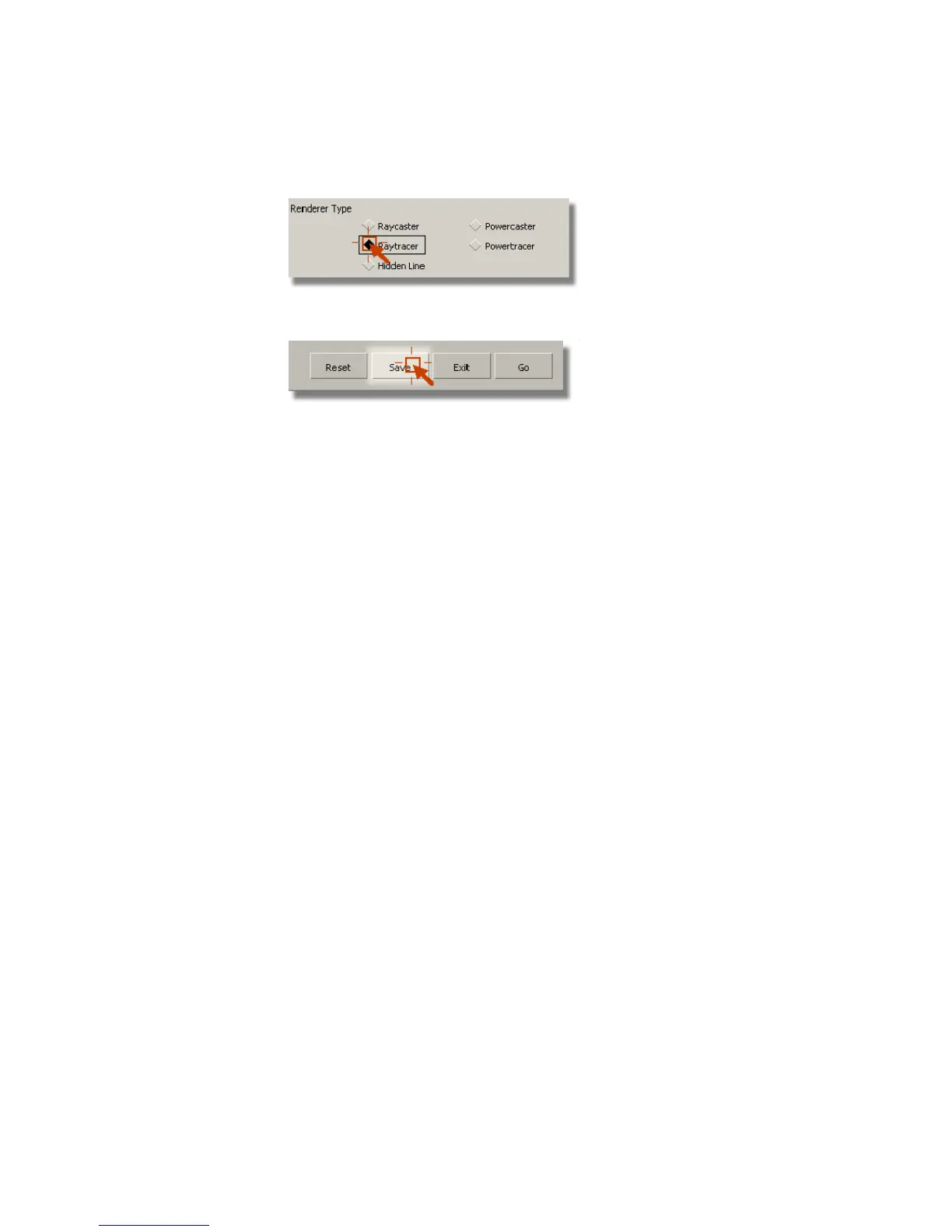
3 Click the Save button to save Raytracer as the Renderer Type.
The Rendering Options window is closed.
4 Select the Render command (Render > Render).
The File Browser opens to the pix directory of the Lessons project.
5 Type render6 in the Object name field (Windows) or Save As field
(Mac), then click the Save button.
The File Browser closes and the render begins.
Rendering a raytraced image takes longer than rendering a raycasted
image. This is because raycasting requires more time to compute
reflections and refractions in a scene.
6 Click the Show button on the Render Monitor to view the rendered
image.
722 | Chapter 11 More rendering



 To Next Page