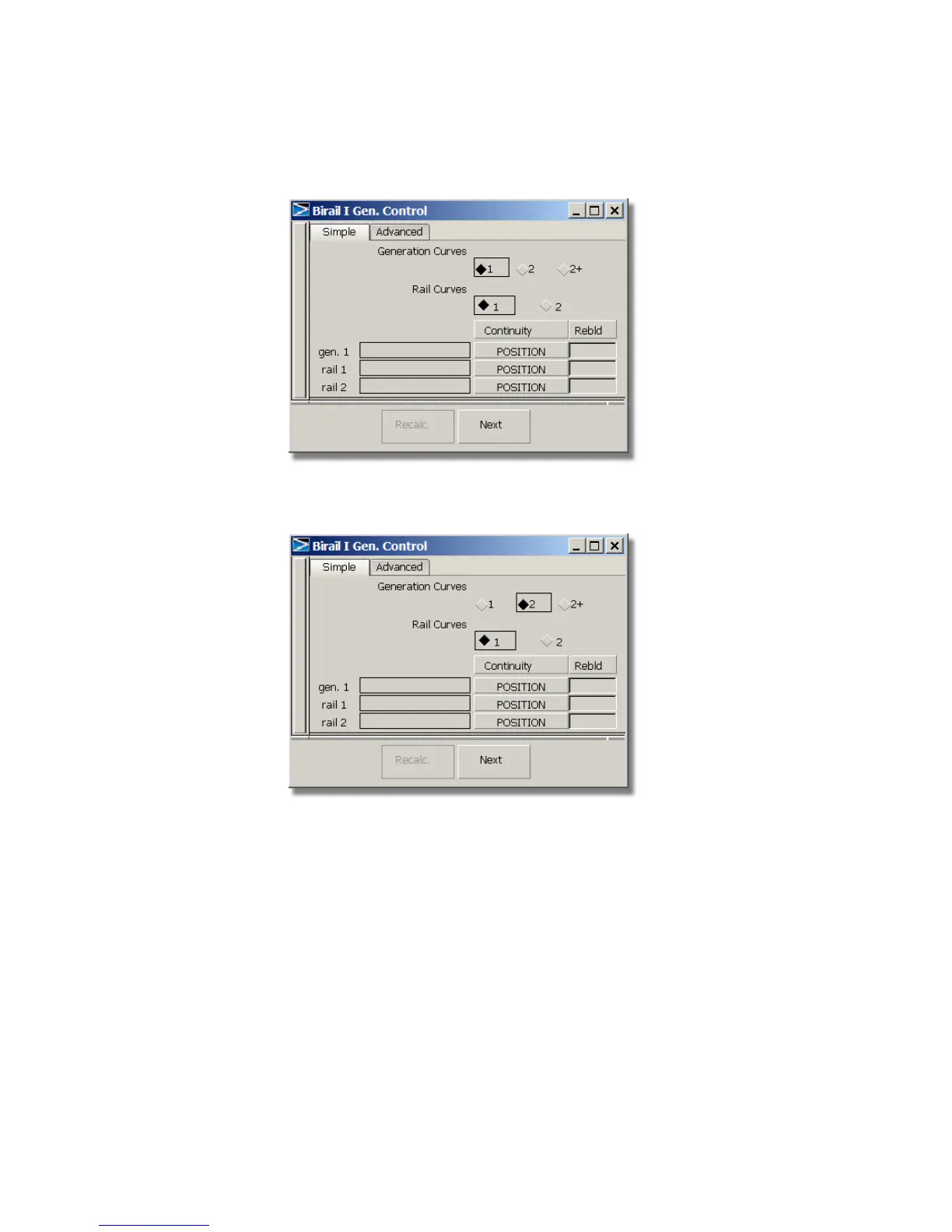
2 In the Rail surface option window, click 2 in the Generation curves
section.
3 Close the option window.
You are prompted to select the generation curve.
4 Click the curve located at the front of the vacuum nozzle to select it as
the first-generation curve.
290 | Chapter 6 Modeling a Vacuum Cleaner



 To Next Page