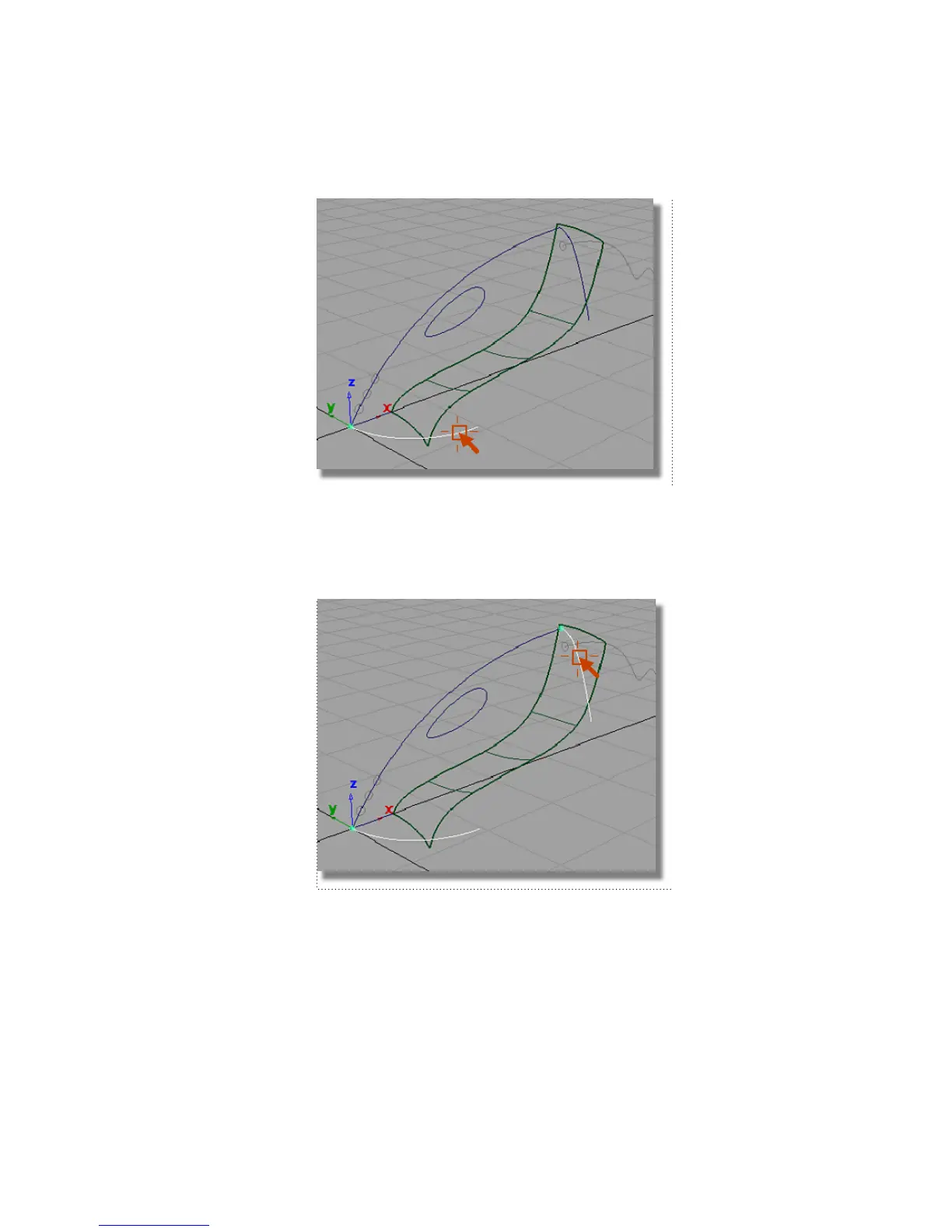
The curve is highlighted.
You are then prompted to select the next generation curve.
5 Click the curve located at the rear of the vacuum cleaner body to select
it as the second-generation curve.
The curve is highlighted.
Next, you are prompted to select the primary rail curve.
6 Click the upper profile curve of the vacuum cleaner body.
Part 1: Creating Primary Surfaces | 291



 To Next Page