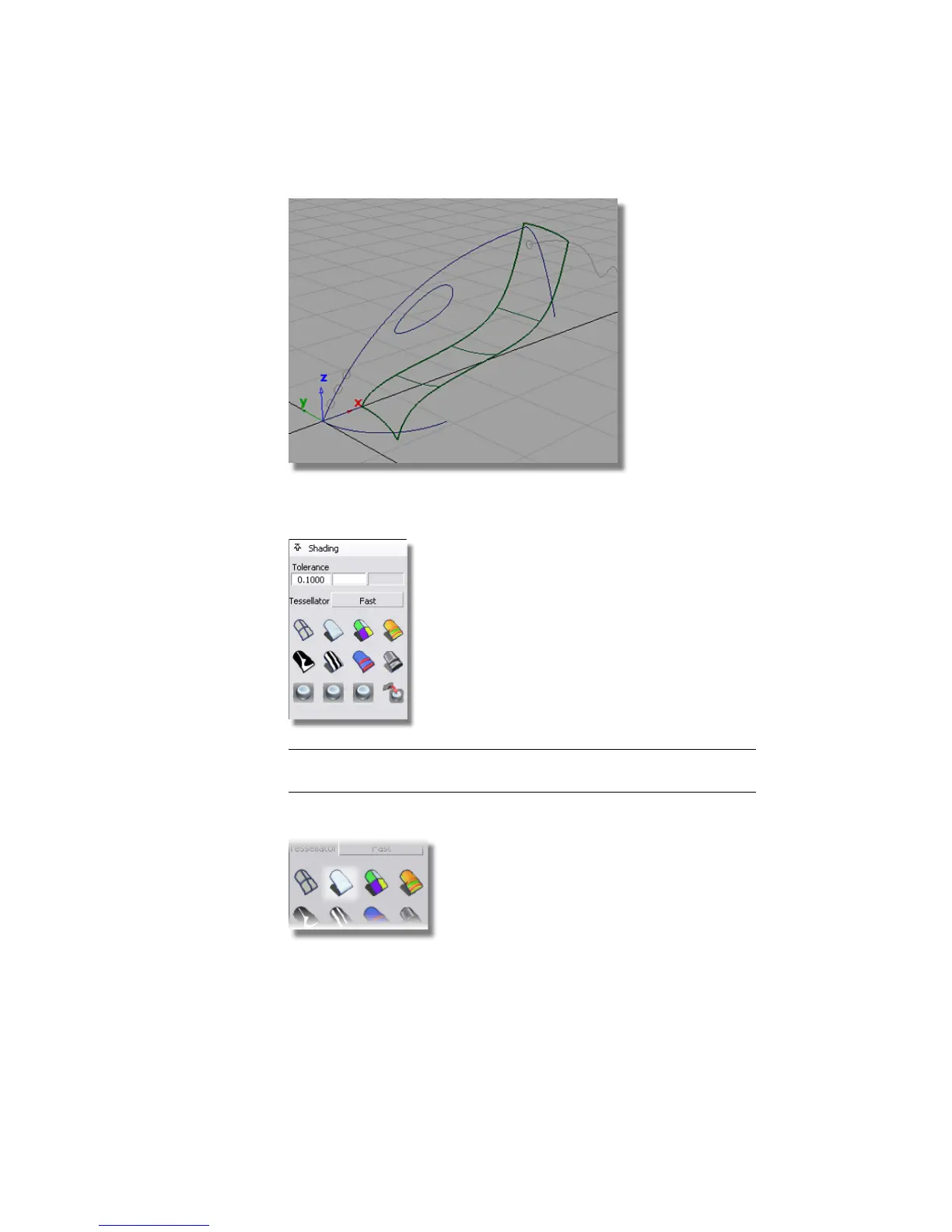
To see the shape of the surface more clearly, you will use diagnostic
Shading on the Control Panel to shade the surface.
TIP If the Control Panel is not displayed on your screen, choose Windows
> Control Panel to make it visible.
9 Select the Multi Color shade icon to turn on the shading .
288 | Chapter 6 Modeling a Vacuum Cleaner



 To Next Page