Watch Part 6 of the tutorial.
Opening the tutorial file (optional)
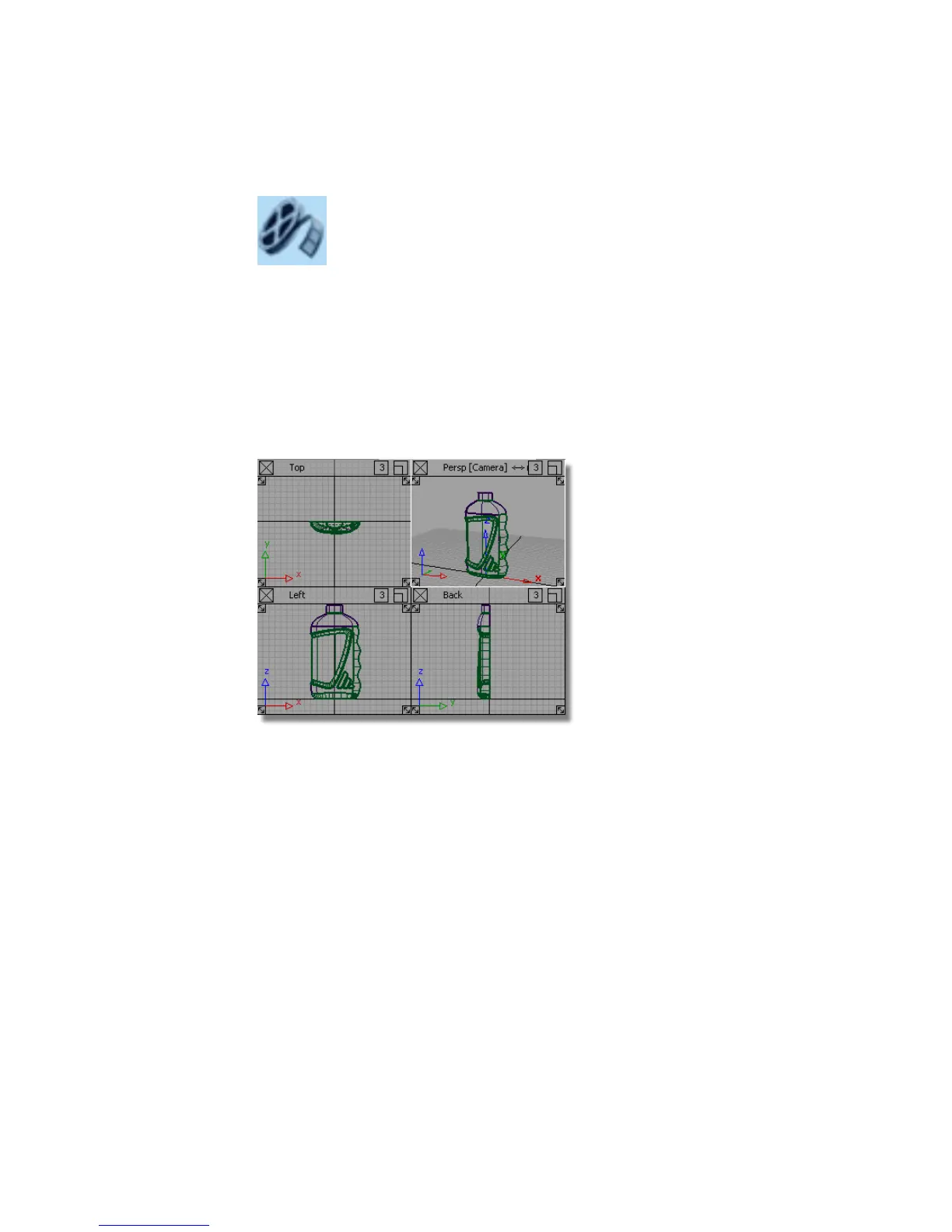
If you successfully completed Part 5, proceed to the next step: Mirroring the
surfaces below.
If you were not successful in part 5, open the file called showergel_part6.wire,
located in the wire directory of the CourseWare project. This file contains the
completed model from Part 5.
Mirroring the Surfaces
Finally, you will mirror all the surfaces using the Layer Symmetry tools.
1 Turn on Symmetry for the Bottle layer using the sub-menu on the
layer menu.
590 | Chapter 8 Modeling a Sports Shower Gel Bottle



 To Next Page