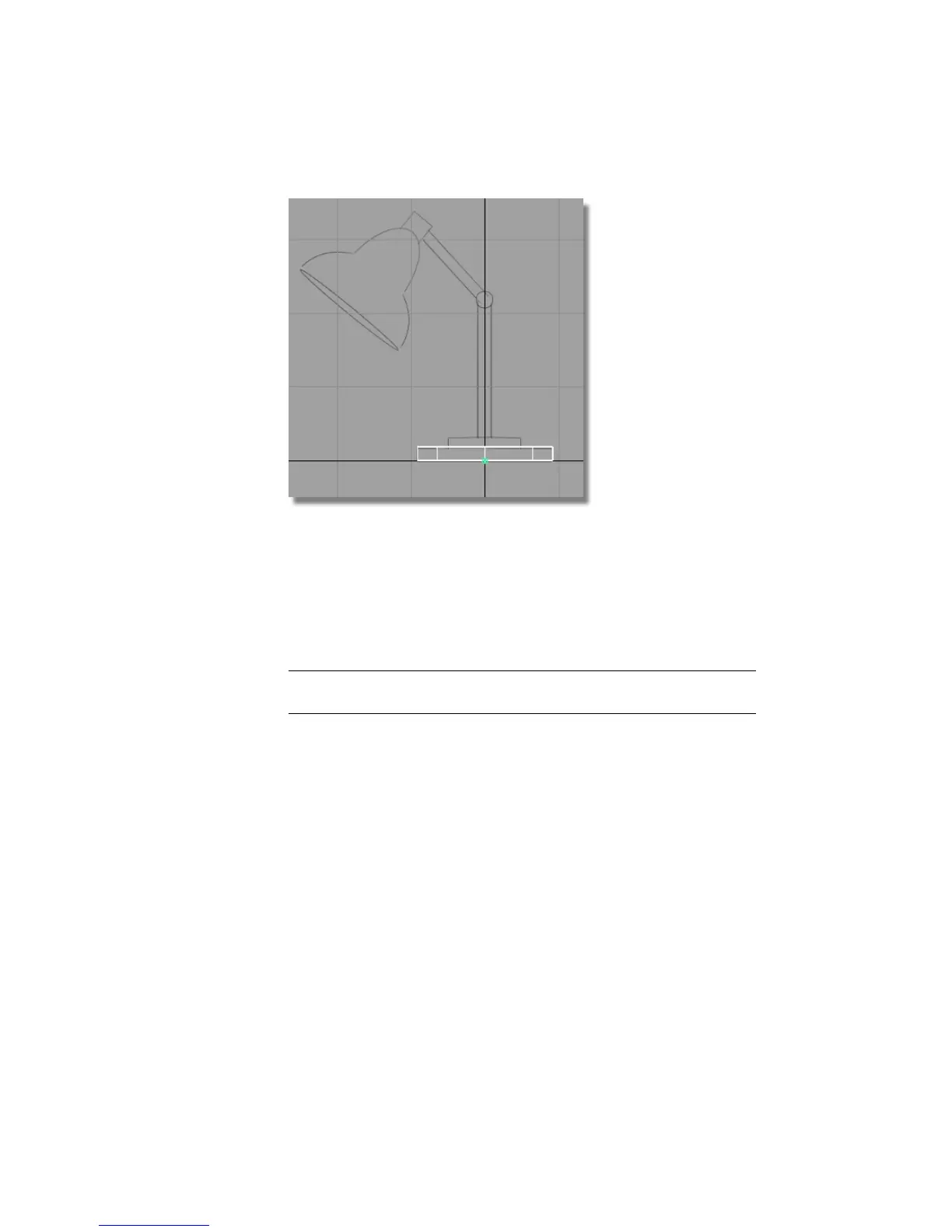
Your screen appears not to have changed. However, a second cylinder
has been placed in the same location as the first, and is selected, ready
to be moved or scaled.
3 Choose Transform > Move .
4 As the cylinder is already selected, you do not need to click the cylinder
to move it.
NOTE When there are many objects on the screen, it is preferable to click
away from the object when using any of the transform tools.
5 Click and drag using the right mouse button (away from the objects) to
move the new cylinder vertically away from the original.
106 | Chapter 4 Introduction to 3D



 To Next Page