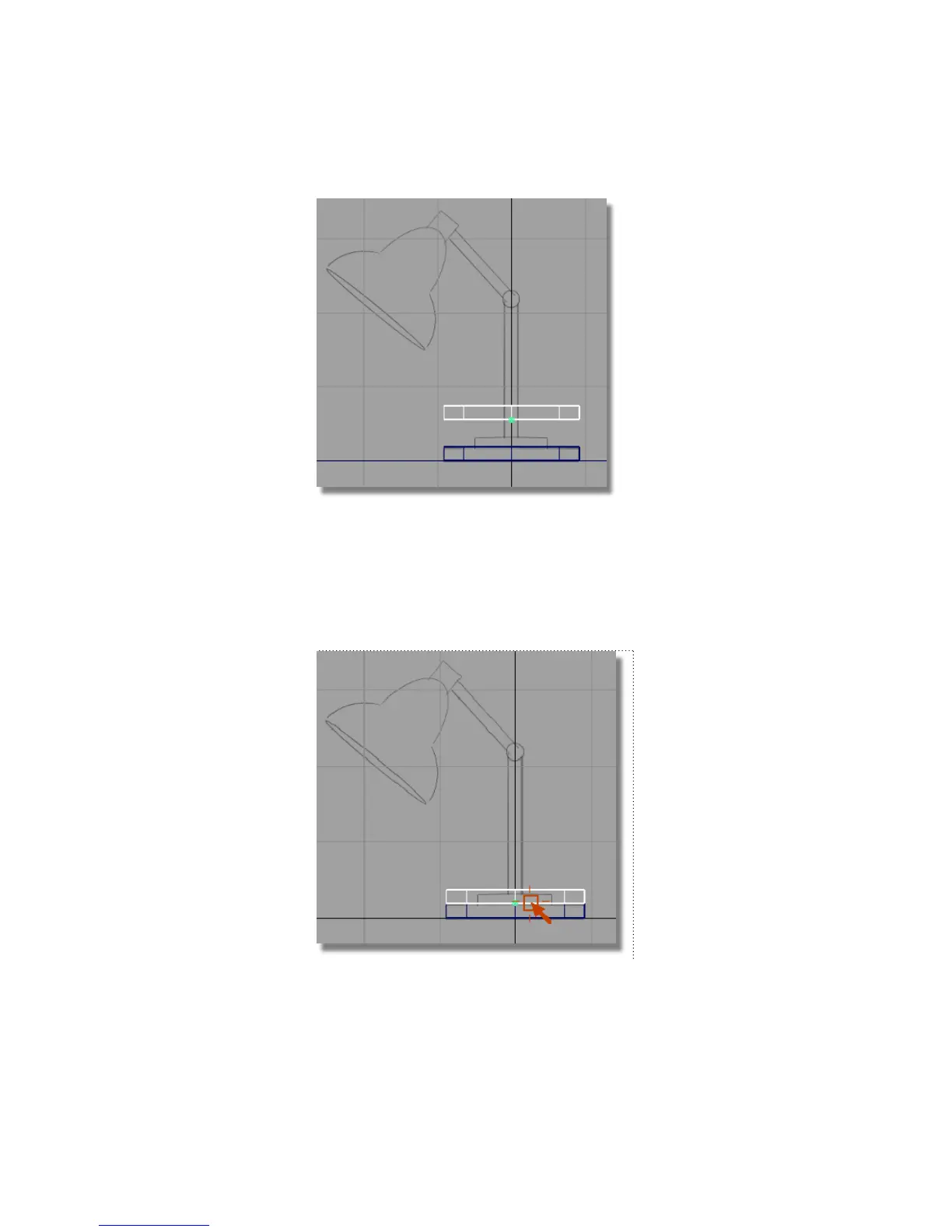
Next, snap this cylinder to the top of the first cylinder.
6 Check that the Transform > Move tool still has the red box outline,
so it is active. If it is not active, choose it again.
Hold down the Ctrl and Alt (Windows) or Control and Command (Mac) keys
together to turn on curve snapping. Click the top edge of the original
cylinder with the right mouse button.
Part 2: Building the lampstand | 107



 To Next Page