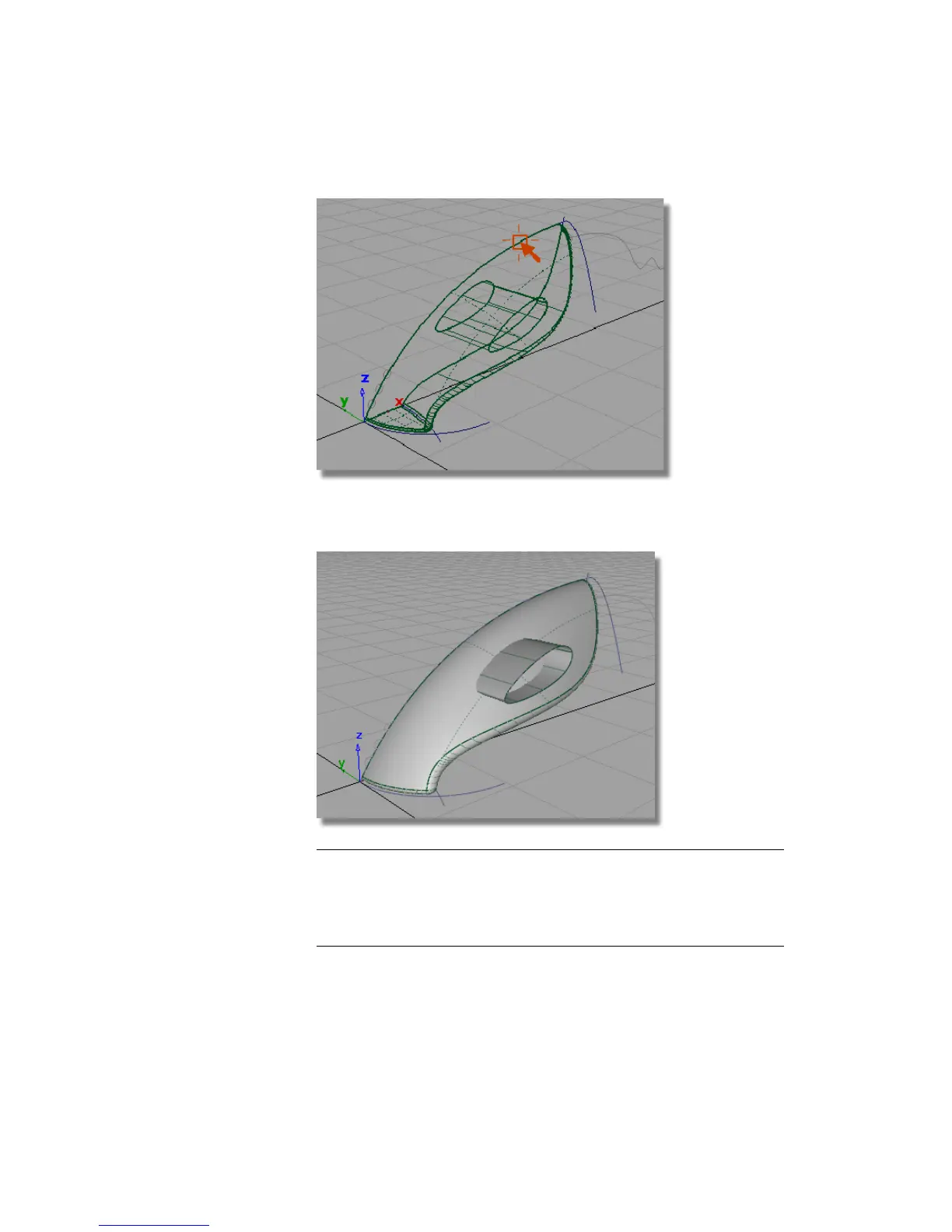
9 Use diagnostic Shading to check that the handle surface passes through
the body surfaces.
TIP If the handle surface falls short of the body surfaces, use Pick > Object
to select the second handle curve. Then, use Transform > Move with the
middle mouse button to adjust the position of the curve. Because the skin
surface has construction history, it will be rebuilt to the new curve position
when the mouse button is released.
Part 4: Creating the Handle | 327



 To Next Page