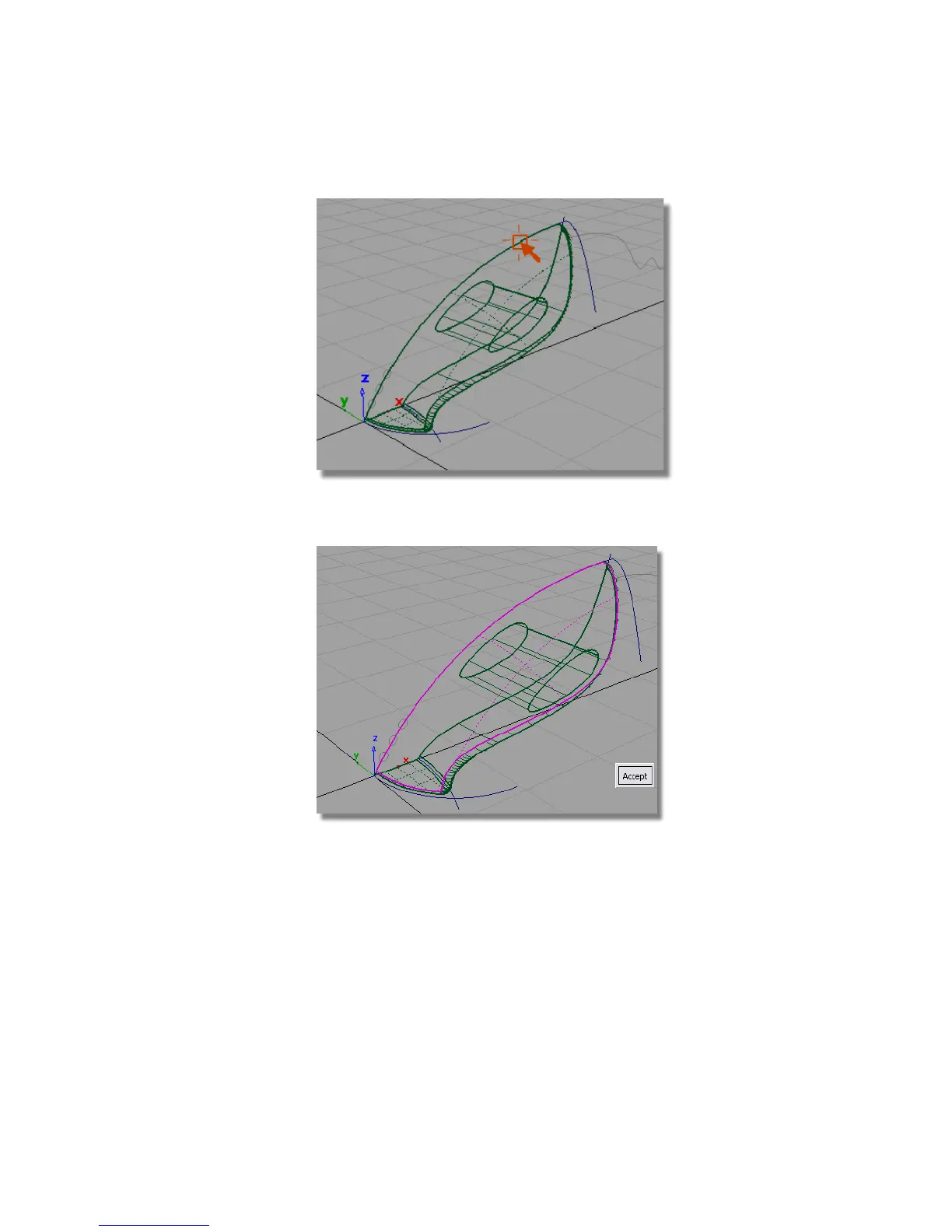
The surface is selected and highlighted in pink, and an Accept button
appears in the lower right corner of the view.
3 Click the Accept box to select the first surface for filleting.
You are then prompted to select the second set of surfaces.
4 Click the handle surface to select it.
Part 4: Creating the Handle | 329



 To Next Page