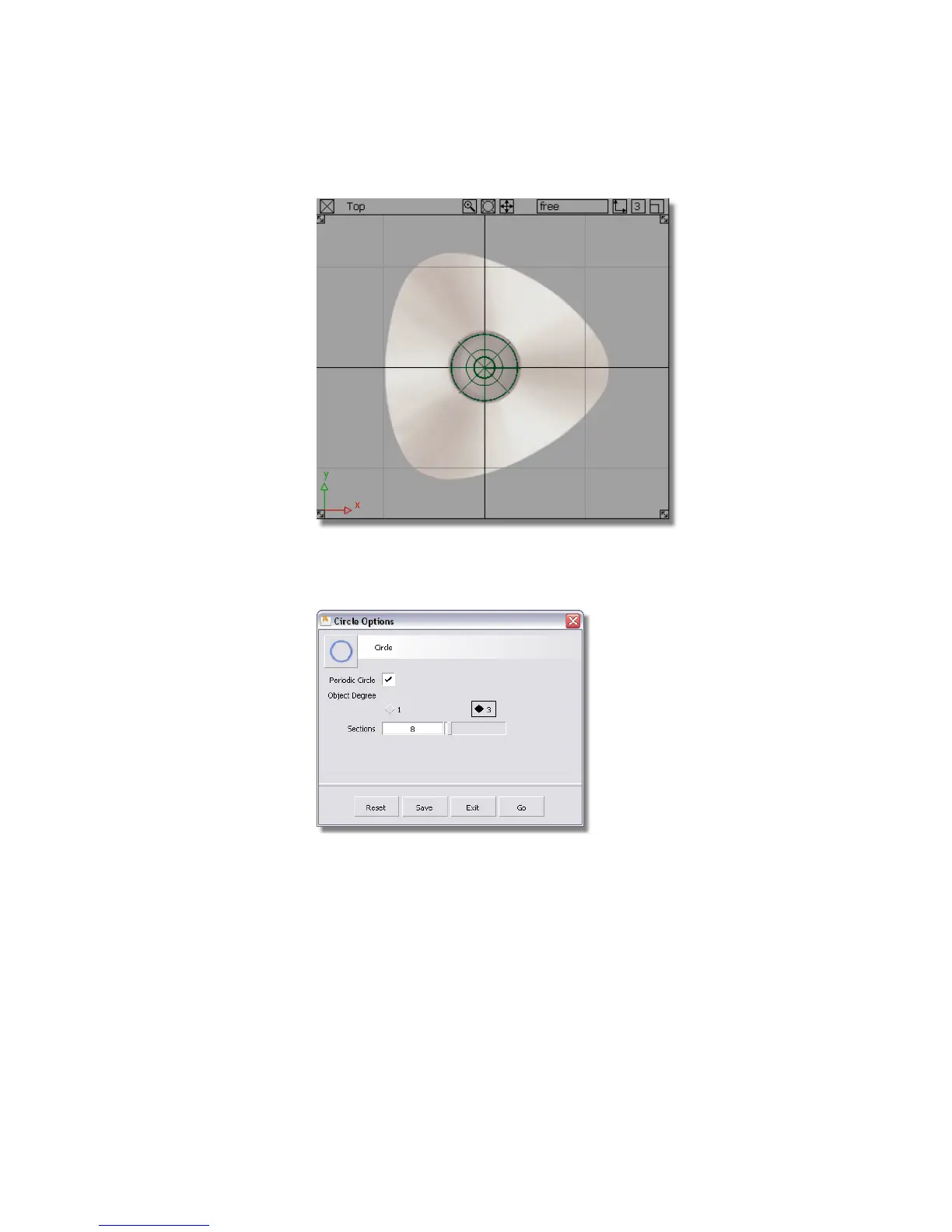
2 Choose Curves > Primitives > Circle .
3 Double-click the icon to open the option box for the circle.
In the Sections box, the default number of sections is set at 8. As you
will be creating a triangular shaped base, 9 sections will provide a better
arrangement of CVs.
Type in 9 in the Sections box. Click the Go button in the circle option
box.
Part 2: Creating the Joystick Base | 175



 To Next Page