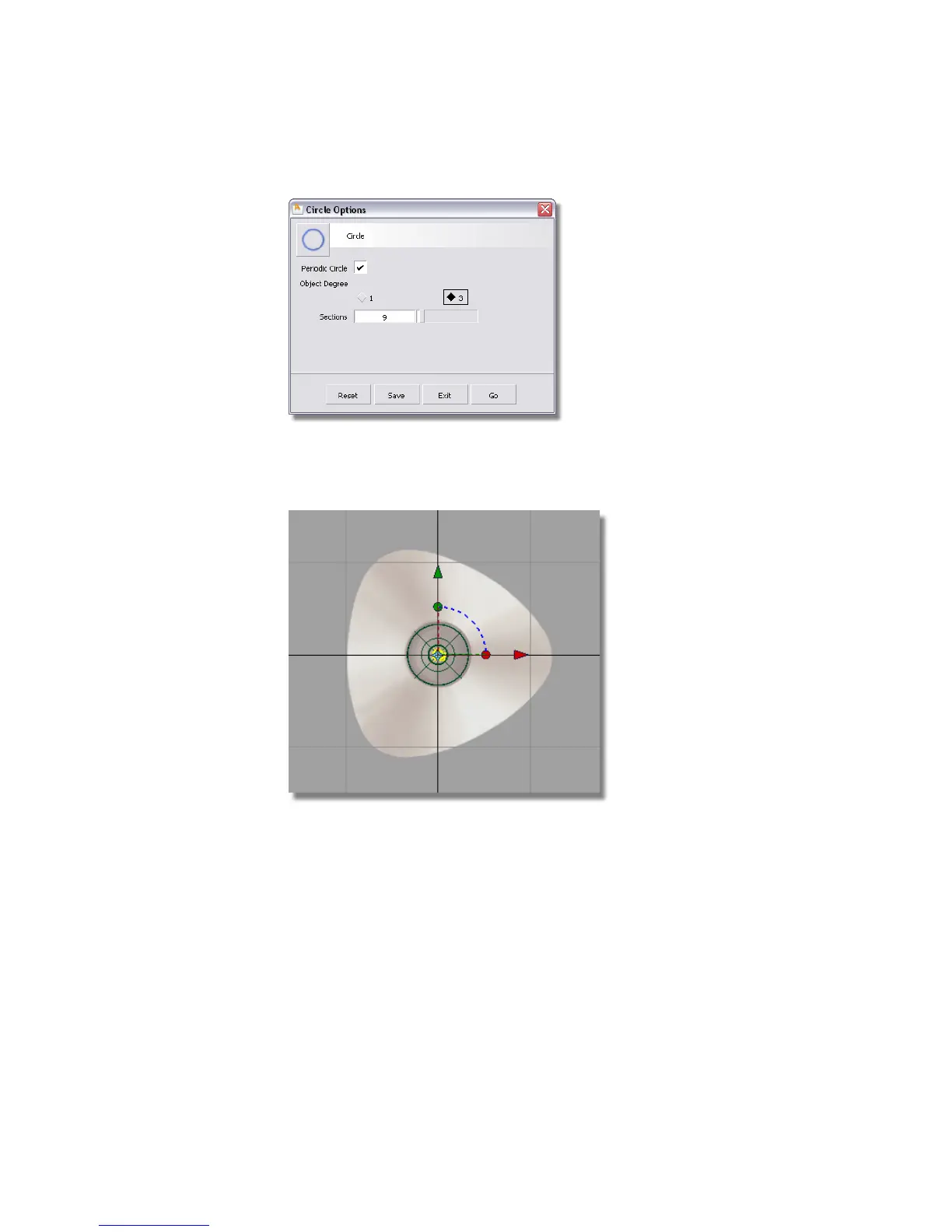
4 Press and hold the Alt (Windows) or Command (Mac) key to turn on grid
snapping. Click near the origin (where the two dark grid lines intersect)
to place the circle at the center of the base.
A small circle is placed at the origin. The manipulators are shown, but
you won’t use them for this part of the tutorial.
Next, you will scale and reshape the circle to form the base outline.
5 Choose Transform > Scale .
6 The manipulators disappear.
176 | Chapter 5 Modeling a Joystick



 To Next Page