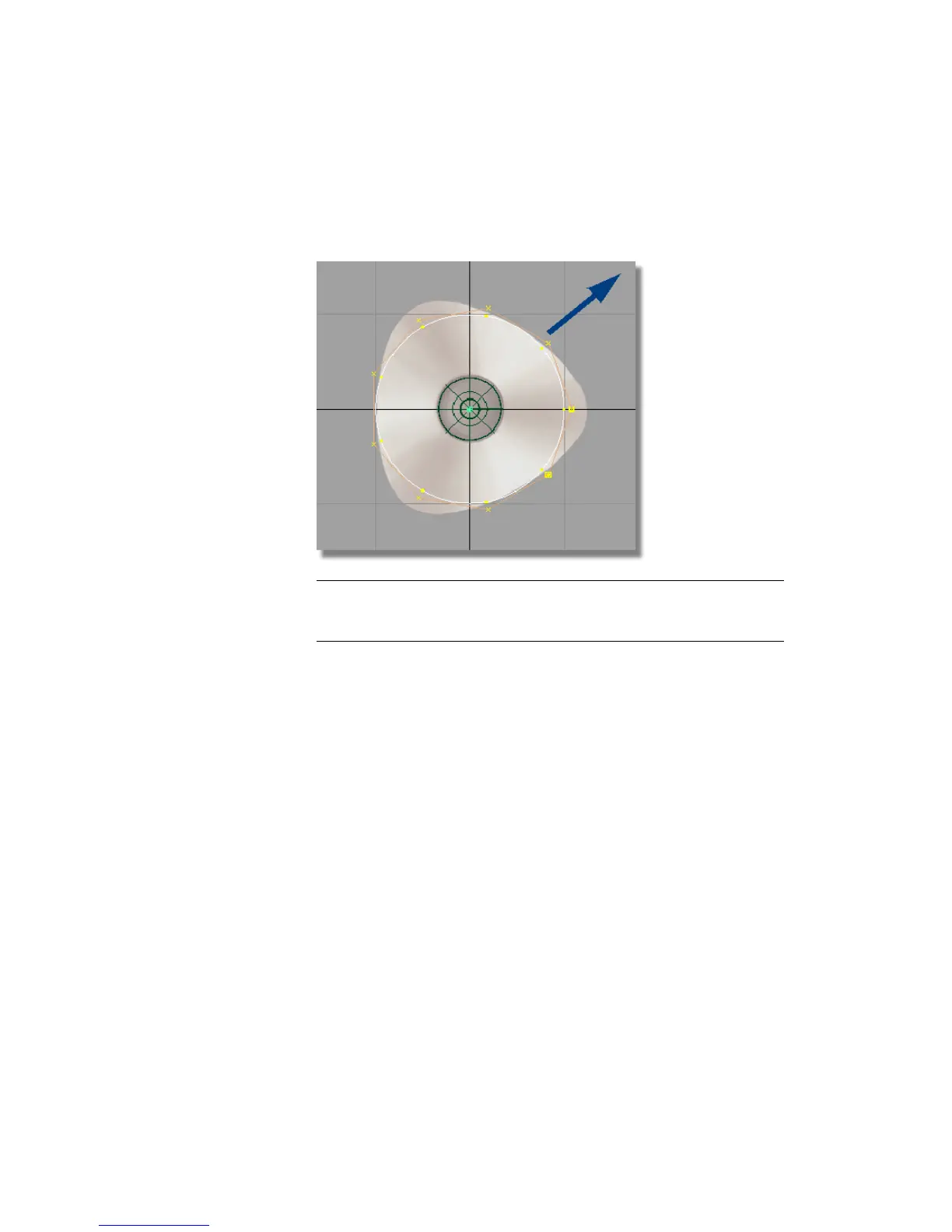
Click and drag with the left mouse button towards the top right corner of
the screen, to make the circle larger. Match the size of the circle to the
inside of the base outline, as shown below.
TIP Use the screen diagonal direction for an increase or decrease in scale.
Drag towards the bottom left corner to decrease the scale. Drag towards
the top right corner to increase the scale.
7 Choose Pick > Nothing to deselect the circle.
Part 2: Creating the Joystick Base | 177



 To Next Page