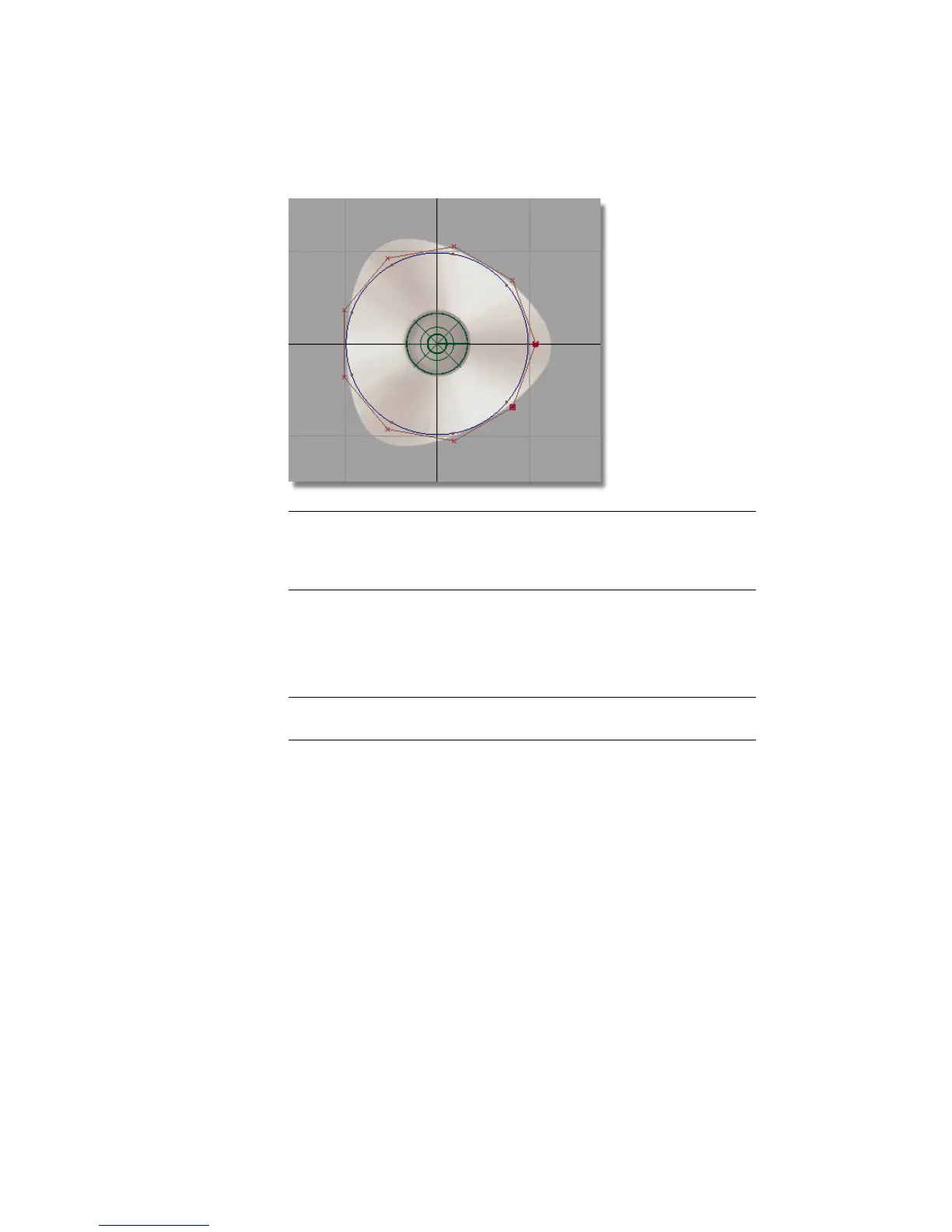
TIP Check that the CV shown as a U is at the right side of the circle. If the U
CV is at the left, it means that you have inverted the circle while scaling. Scale
the circle again, being sure to click and drag towards the top right of the
screen.
You will now select the three CVs which will form the apexes of the
triangular base.
8 Choose Pick > Point Types > CV and click the CV nearest the right side
of the sketch. This CV is drawn as a small U.
9 TIP As the CVs are small, it is sometimes easier to select them by dragging
a pick box around each one.
178 | Chapter 5 Modeling a Joystick



 To Next Page