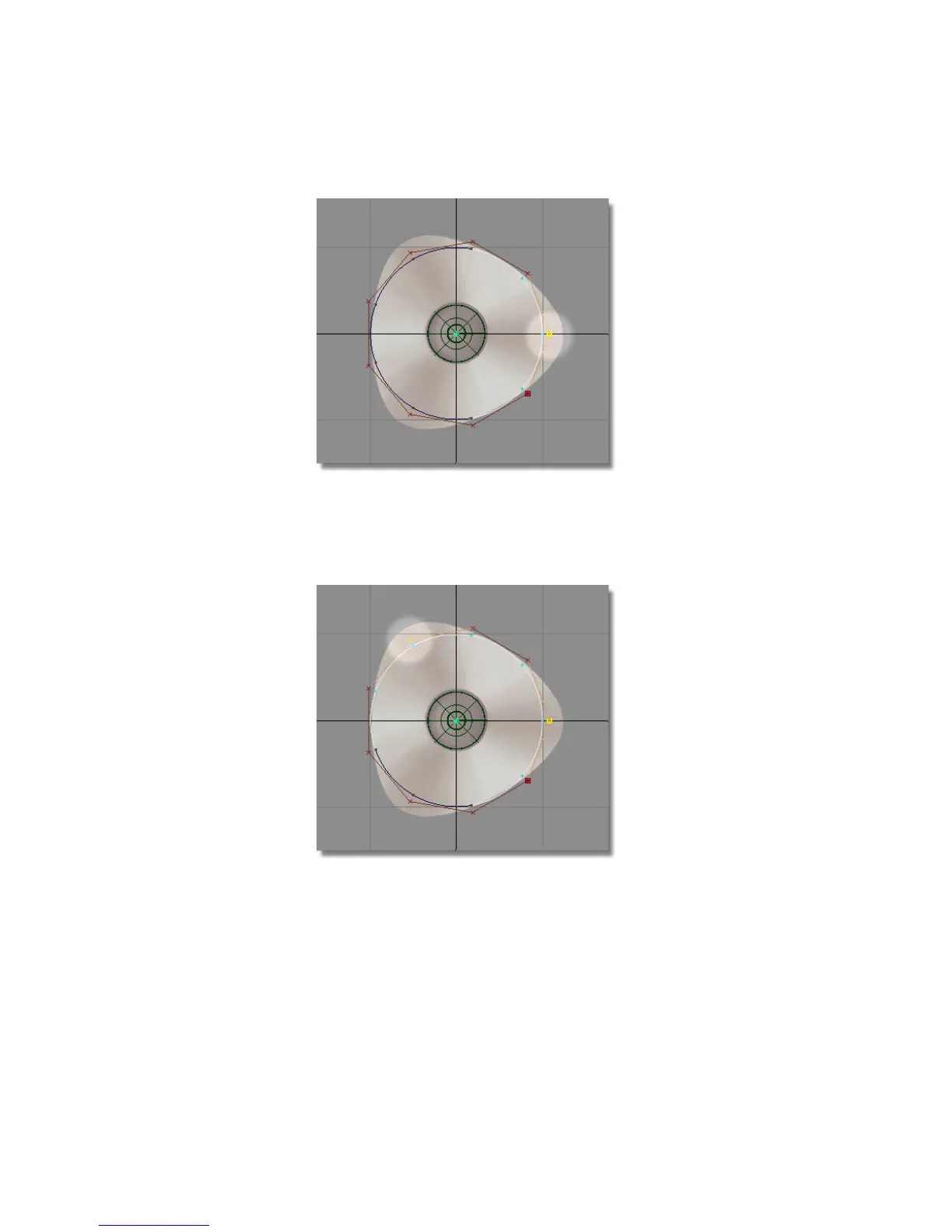
The CV is selected and highlighted in yellow.
10 With the Pick > Point Types > CV tool still active, choose the CV at the
top left hand corner of the sketch by clicking and dragging a pick box
around it.
The second CV is selected and highlighted.
11 With the Pick > Point Types > CV tool still active, click and drag a pick
box around the CV at the bottom left hand corner of the sketch.
Part 2: Creating the Joystick Base | 179



 To Next Page