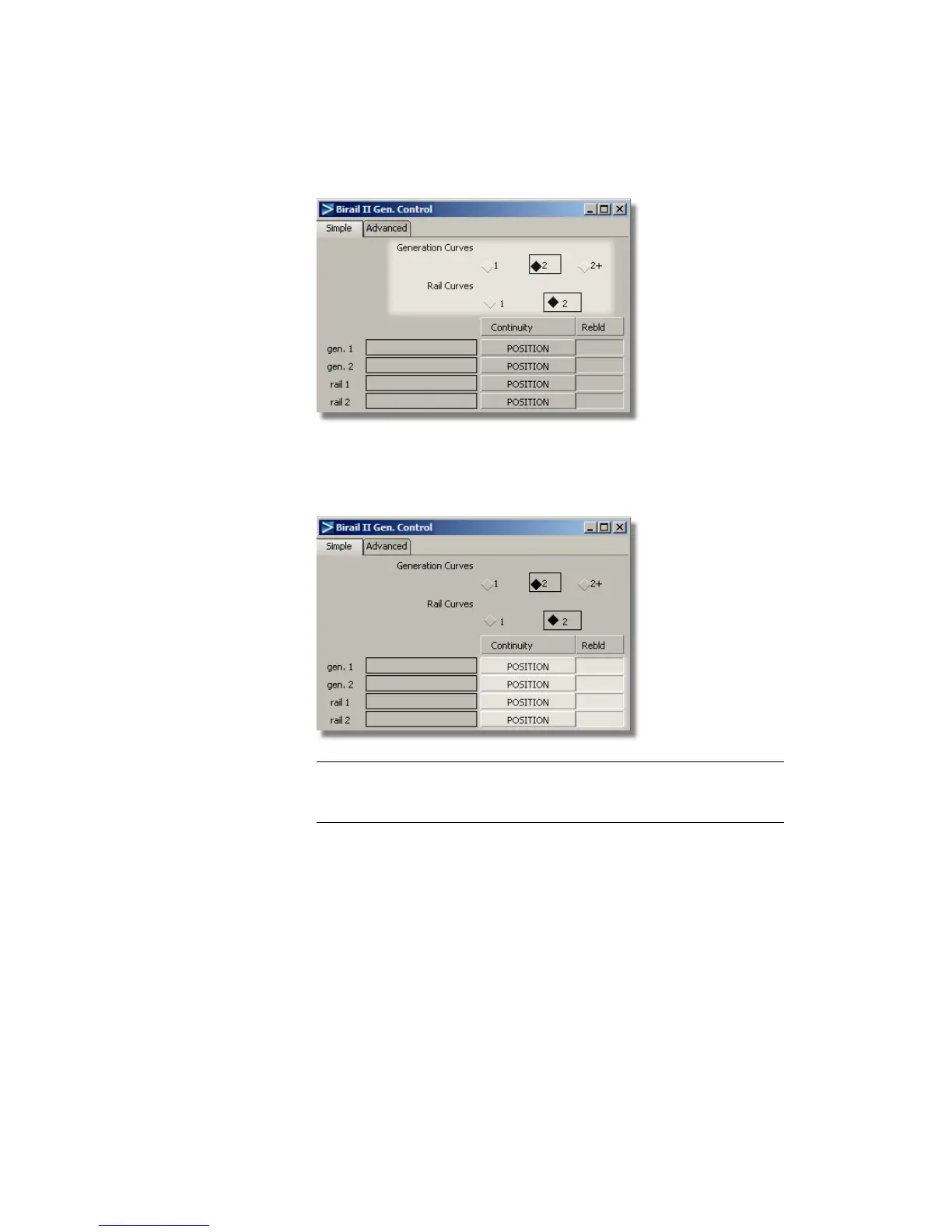
2 Choose Position for each of the four Continuity options (you will
change these after the Birail surface is created).
If any of the Rebld boxes are checked, click in them to remove the check.
TIP The Rebld option can improve the parameterization of an edge, typically
a trimmed edge. As all your edges and curves have good parameterization,
you don’t need to use it in this case.
3 You are prompted to select the edges of the birail. Select the curves in
the order shown:
Part 2: Creating the Finger Grip | 539



 To Next Page