Watch Part 2 of the tutorial.
Create a Label Shader
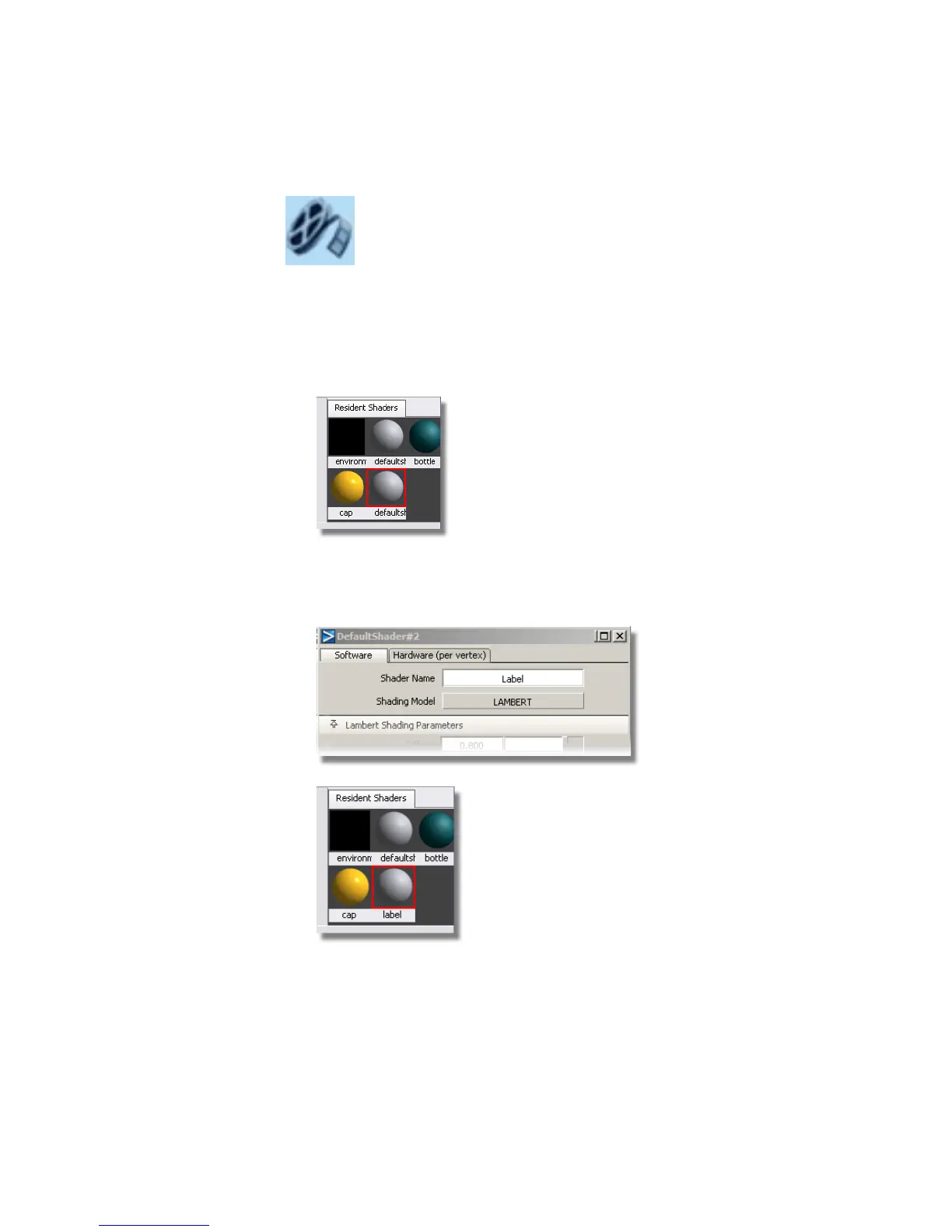
1 Click the Default shader to select it. Then, choose the Copy Current
Shader tool to create a third shader.
2 Double-click the icon of the new shader. Change the Shader Name to
Label and set the Shading Model to LAMBERT to represent a matte
paper label.
Part 2: Adding a Label | 649



 To Next Page