7 Choose Pick > Nothing to deselect the surfaces.
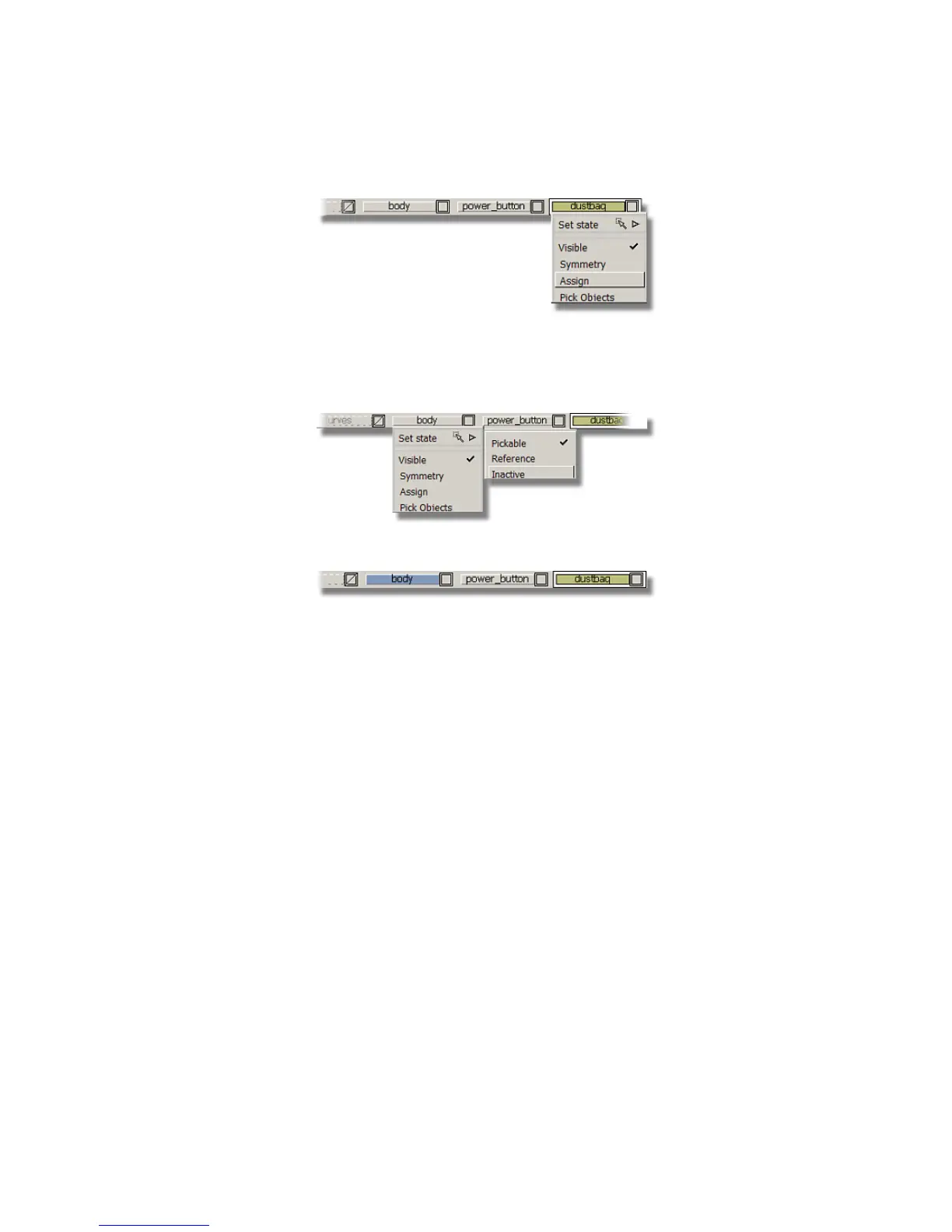
8 On the Layer Bar, click and hold on the body layer and choose Set
state > Inactive to make the body surfaces inactive.
The layer tab is displayed in pale blue to indicate that it is inactive.
9 Do the same for the power_button layer to make the power button
surfaces inactive.
Now, only the copied surfaces on the dustbag layer are displayed and
pickable.
Part 7: Dust Bag and Cable Connector | 369



 To Next Page