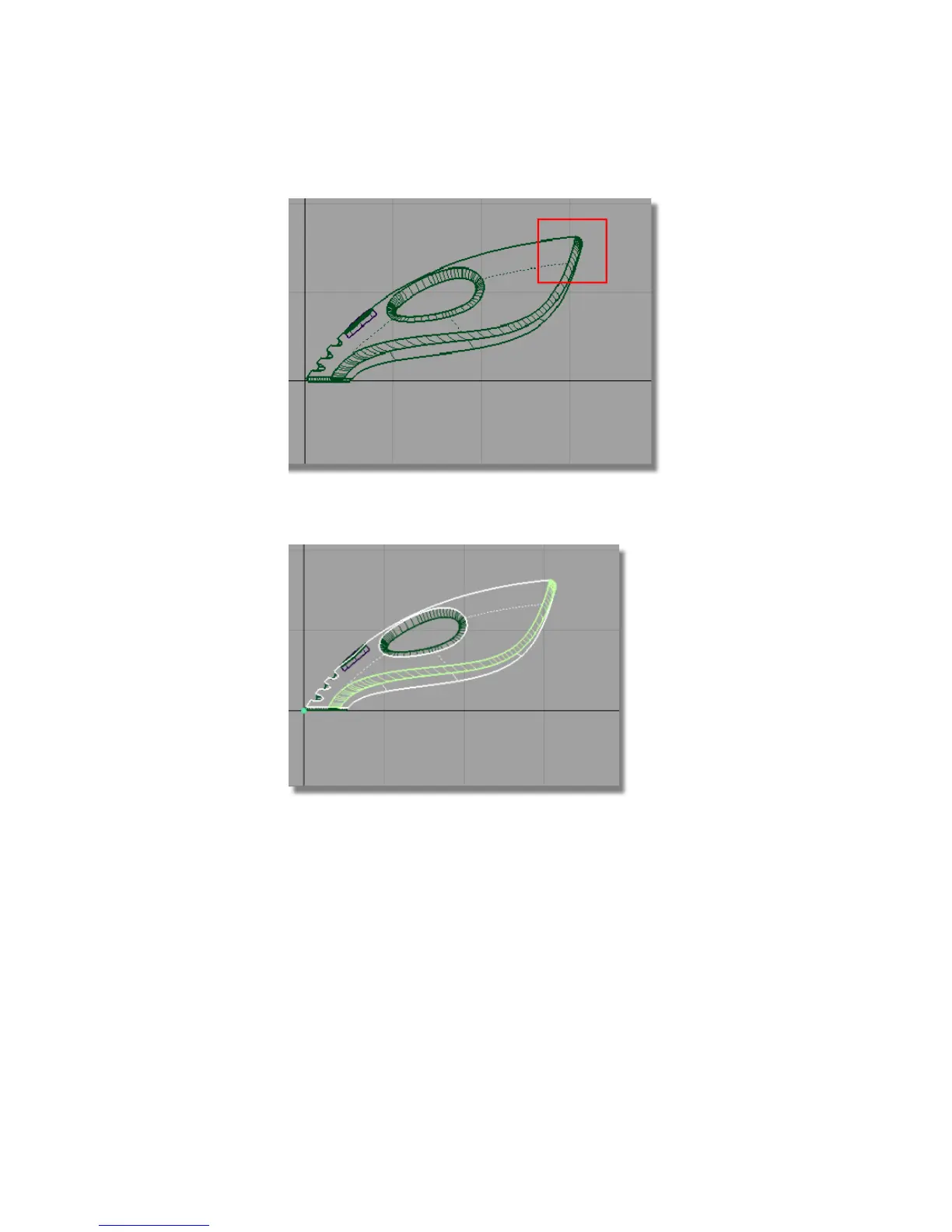
5 Choose Edit > Copy followed by Edit > Paste . A copy of the surfaces is
made, placed on top of the originals, and highlighted.
6 In the Layer Bar, click and hold on the dustbag layer to see the
pull-down menu. Choose Assign to assign the copied surfaces to the
dustbag layer.
368 | Chapter 6 Modeling a Vacuum Cleaner



 To Next Page