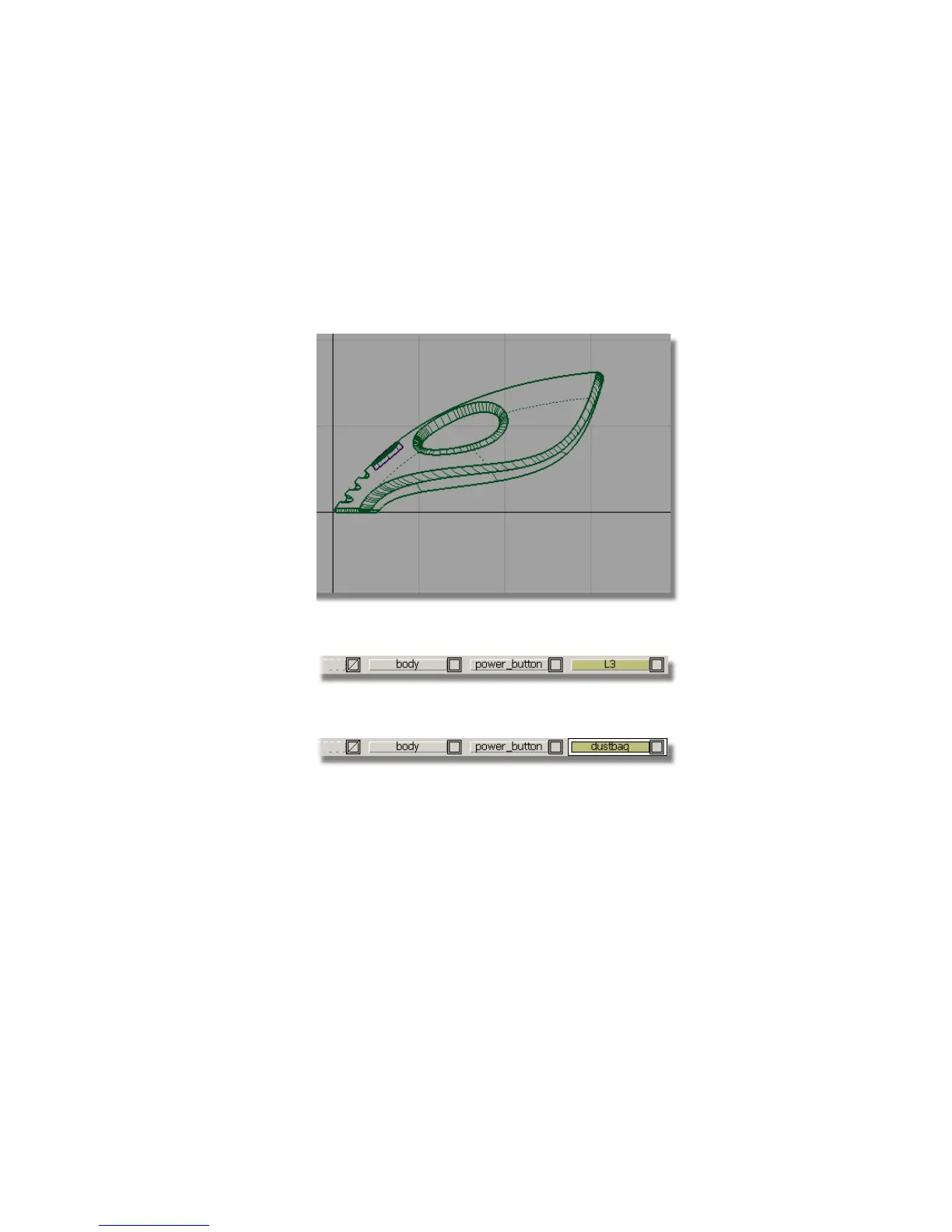
You will create these components as scaled copies of the rear surfaces of the
main vacuum cleaner body. By using the same shape, you will create a rhythm
of similar shapes, which gives the design its character.
You will start by creating copies of the body surfaces and placing them onto
a new layer.
1 Choose Layouts > Left to maximize the Left window.
2 Choose Layers > New to create a layer.
3 In the Layer Bar, rename the new layer dustbag.
Now, you will make a copy of the surfaces and assign them to the dustbag
layer.
4 Choose Pick > Object and drag a pick box around the end surfaces of the
vacuum body. Make sure you don’t select the handle or handle fillet
surfaces.
Part 7: Dust Bag and Cable Connector | 367



 To Next Page