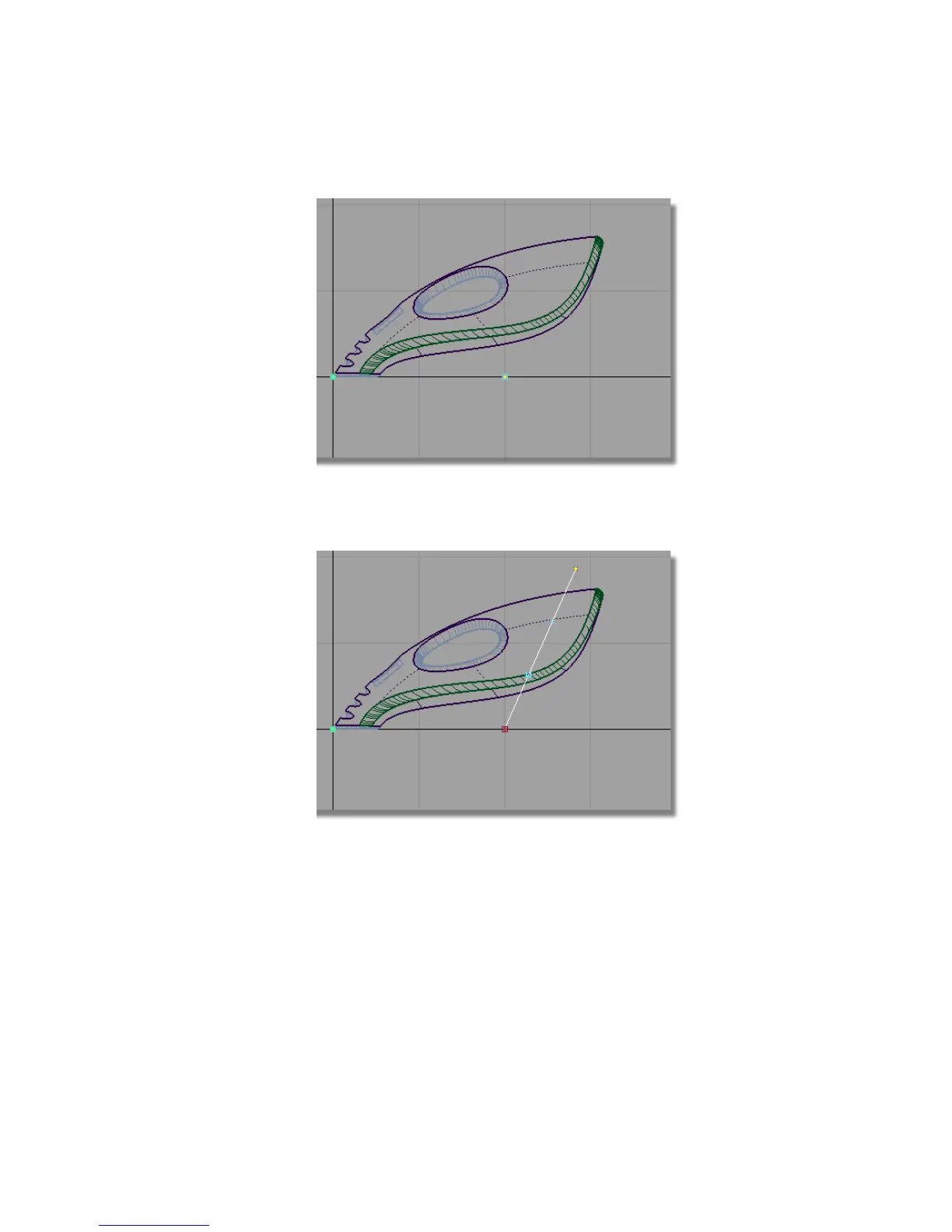
Place the second edit point by clicking and holding the left mouse button.
Keep the mouse button held down and move the edit point until the
curve is roughly at the same angle as the back of the vacuum.
Make sure your curve is long enough to extend beyond the body surfaces.
2 Choose Pick > Nothing to deselect the curve.
Part 7: Dust Bag and Cable Connector | 371



 To Next Page