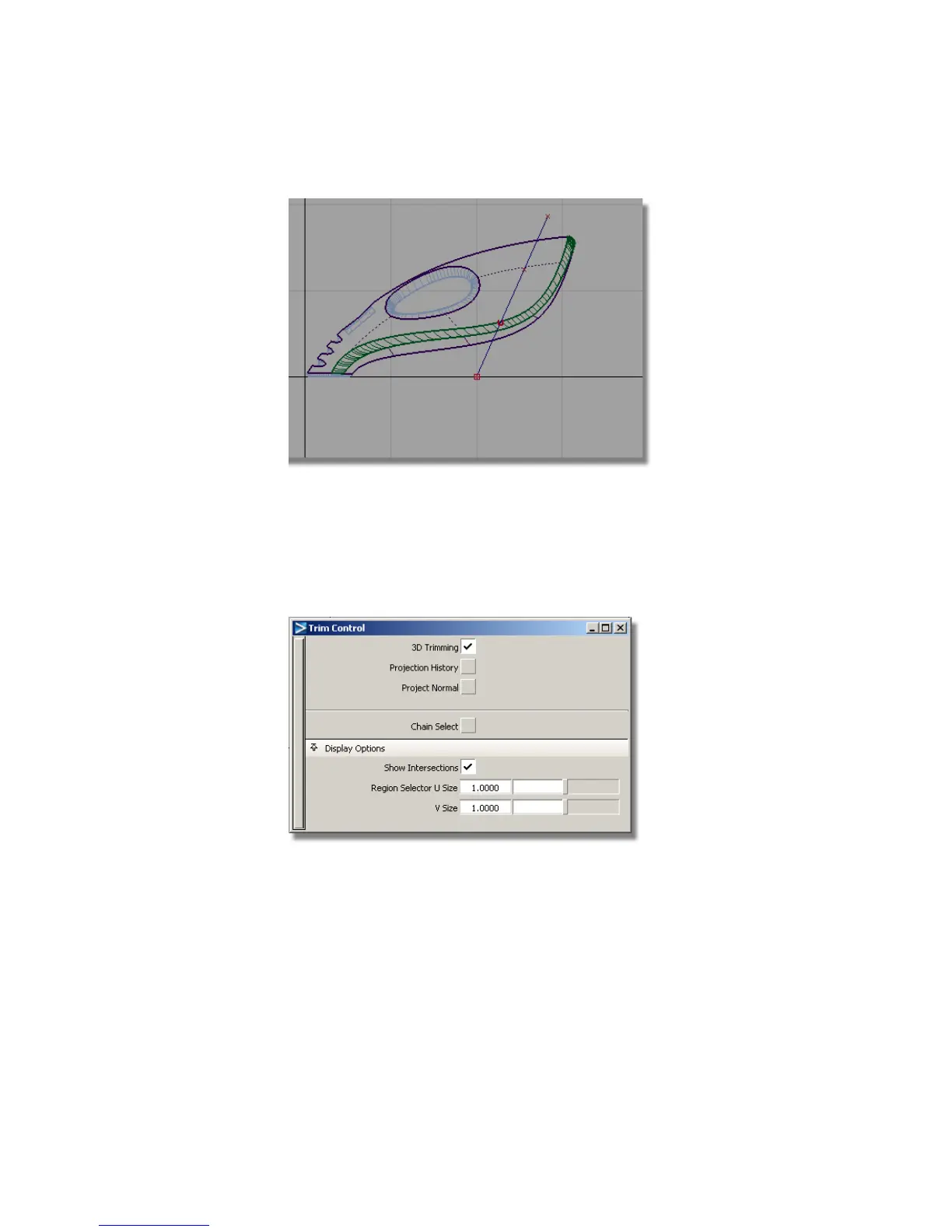
The Trim tool can be used to create a curve-on-surface directly from a
projected curve before trimming the surface. You will now use the curve
you have just drawn to cut away the front end of the surfaces.
3 Choose Surface Edit > Trim > Trim Surface and double-click the icon to
open the option box. Click the 3D Trimming check box to turn on the
projection option in the trim tool.
4 You are prompted to select the surfaces to trim. Click and drag a pick box
around all the surfaces.
372 | Chapter 6 Modeling a Vacuum Cleaner



 To Next Page