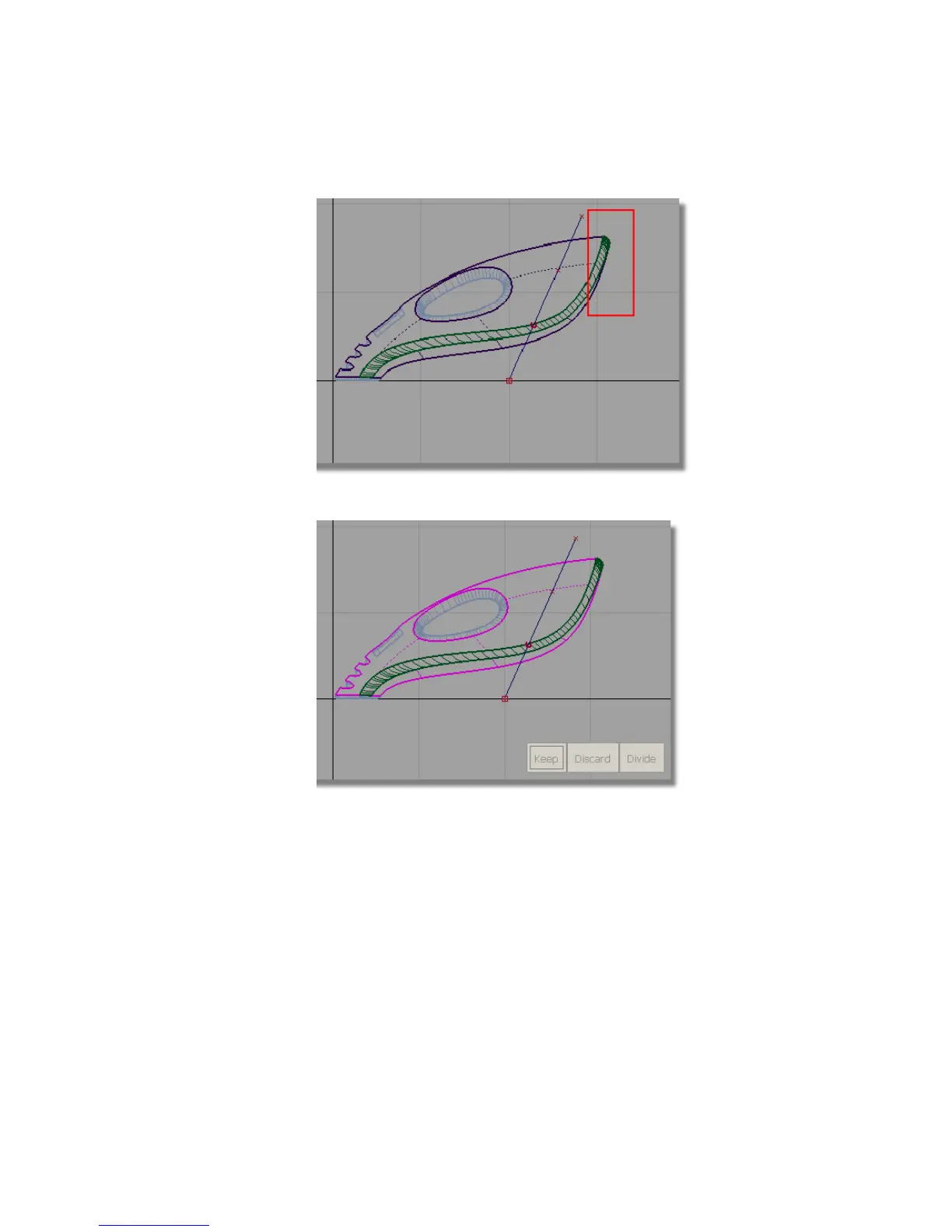
The surfaces are selected and highlighted in pink.
You are then prompted to select one of the following:
Shift select to select additional surfaces or Select curves to
PROJECT or click to select REGIONS.
This time, you will use the Trim tool to project the curve onto the
surfaces, and so you will respond to the second prompt.
5 Click the curve you just created to select it as a curve to project.
Part 7: Dust Bag and Cable Connector | 373



 To Next Page