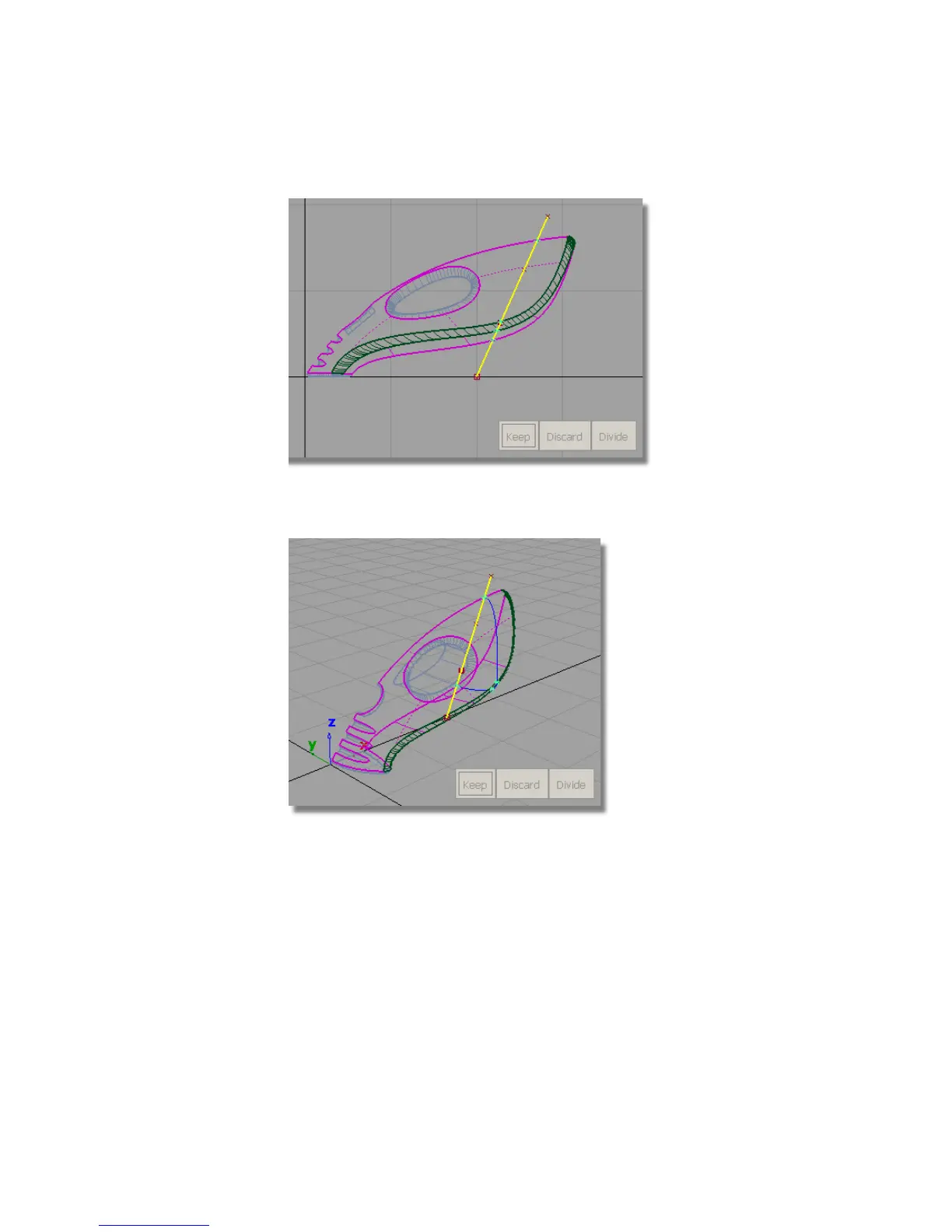
6 To see the effect of the projection, press the F8 hotkey to switch to the
perspective view.
You can see that a curve-on-surface has been created across the surfaces
and is shown in bright blue.
Still in the trim tool, you are now prompted with the three options. This
time you want to select a REGION of each surface to keep.
7 Zoom and tumble the view to get a close-up view of the rear of the
vacuum.
374 | Chapter 6 Modeling a Vacuum Cleaner



 To Next Page