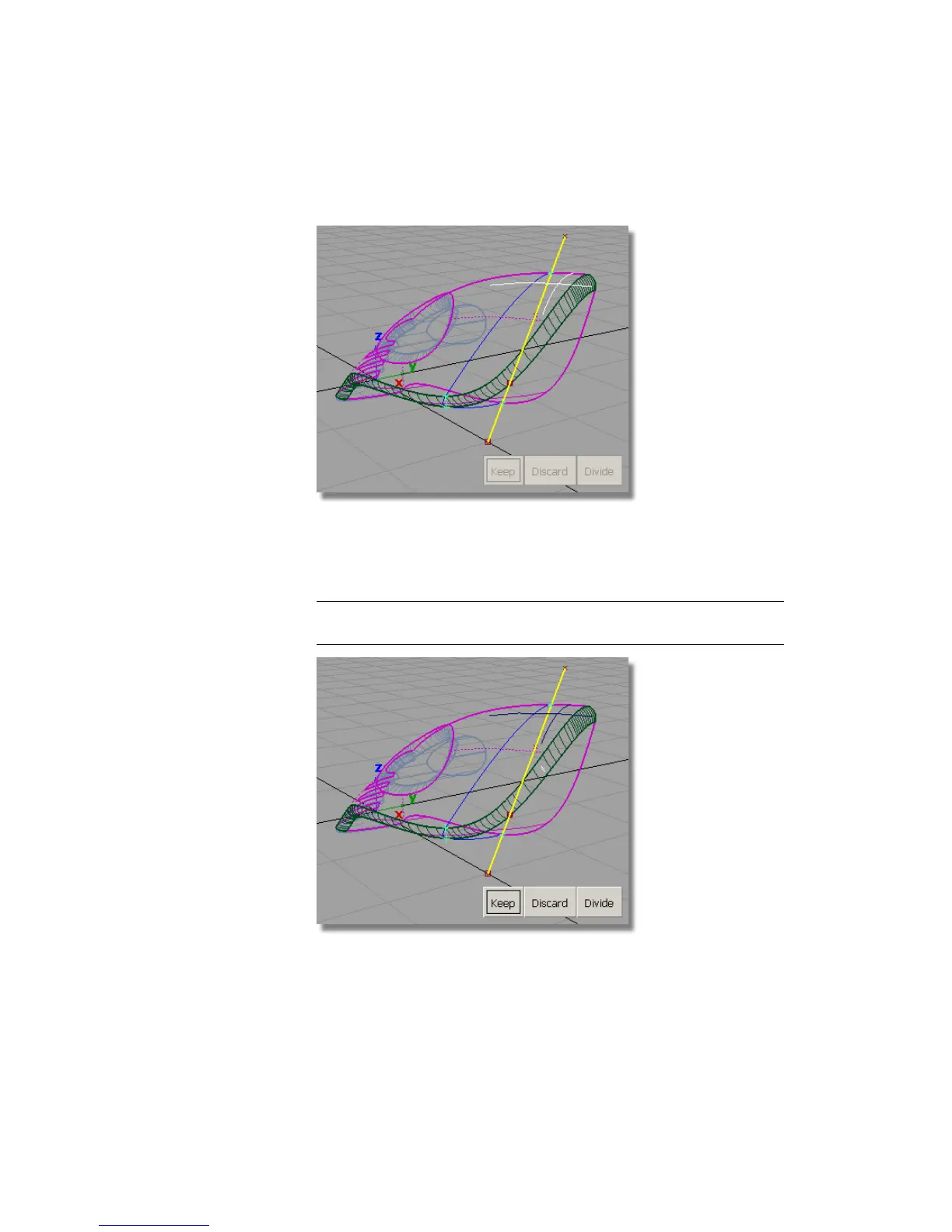
8 Click in the rear part of the upper surface to select it as the part to keep.
An indicator appears on the surface to show it is selected for trimming.
9 Click the rear part of the fillet. Avoid clicking any of the lines on the fillet
surface, as these will be mistaken for projection lines.
TIP Zoom in to make it easier to select a part of the fillet surface with no
lines.
Part 7: Dust Bag and Cable Connector | 375



 To Next Page