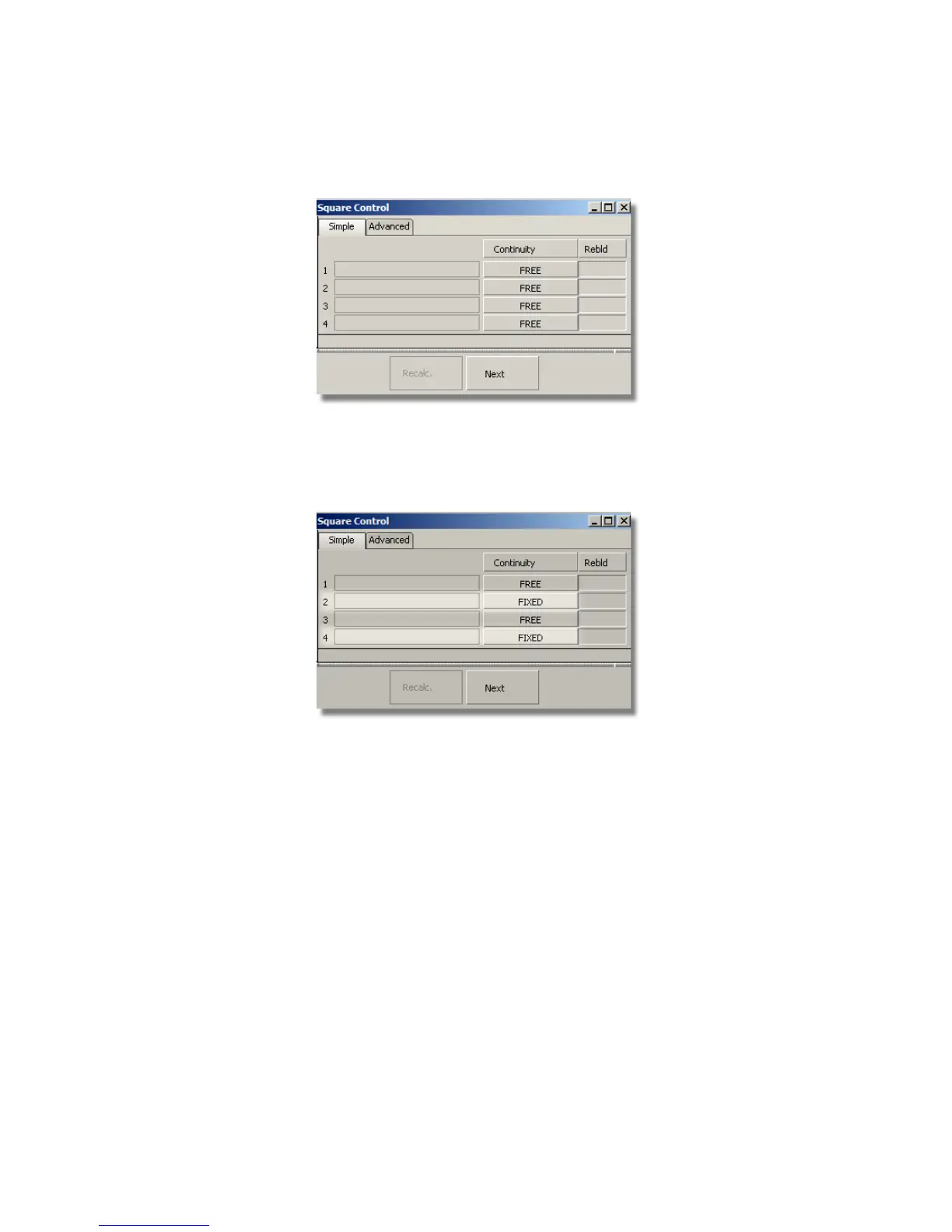
In the Square option window, the four boundaries of the square are
listed.
For boundaries, 2 and 4 change the continuity option to Fixed. This
ensures that the square surface accurately matches the curves.
For boundaries 1 and 3, change the Continuity option to Implied
Tangent. The Implied Tangent option ensures the surfaces will align
smoothly across the center line.
Part 1: Creating Primary Surfaces | 521



 To Next Page