1 Tumble the view to frame and compose the image you want to capture.
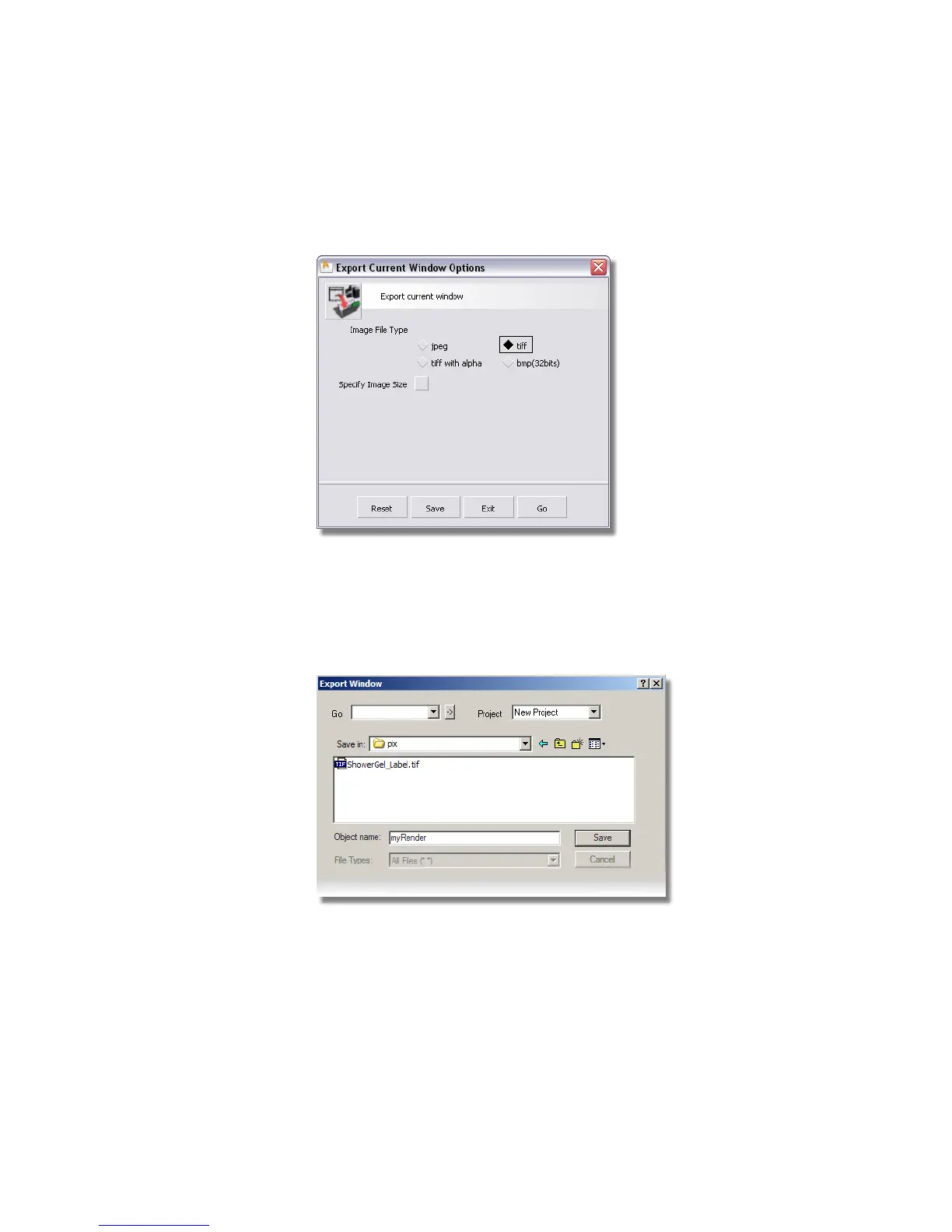
2 Choose File > Export > Current Window ❒ to open the option window.
The Image File Type defaults to .tif. You can specify an alternative
format, if necessary.
The Image Size defaults to the screen size. You can choose an alternative
image size by choosing Specify Image Size.
3 Click Go to save the image. The File Lister appears.
4 In the Object Name section (Windows) or Save As field (Mac), type
in myRender and click Save.
Part 4: Creating an Image | 675



 To Next Page